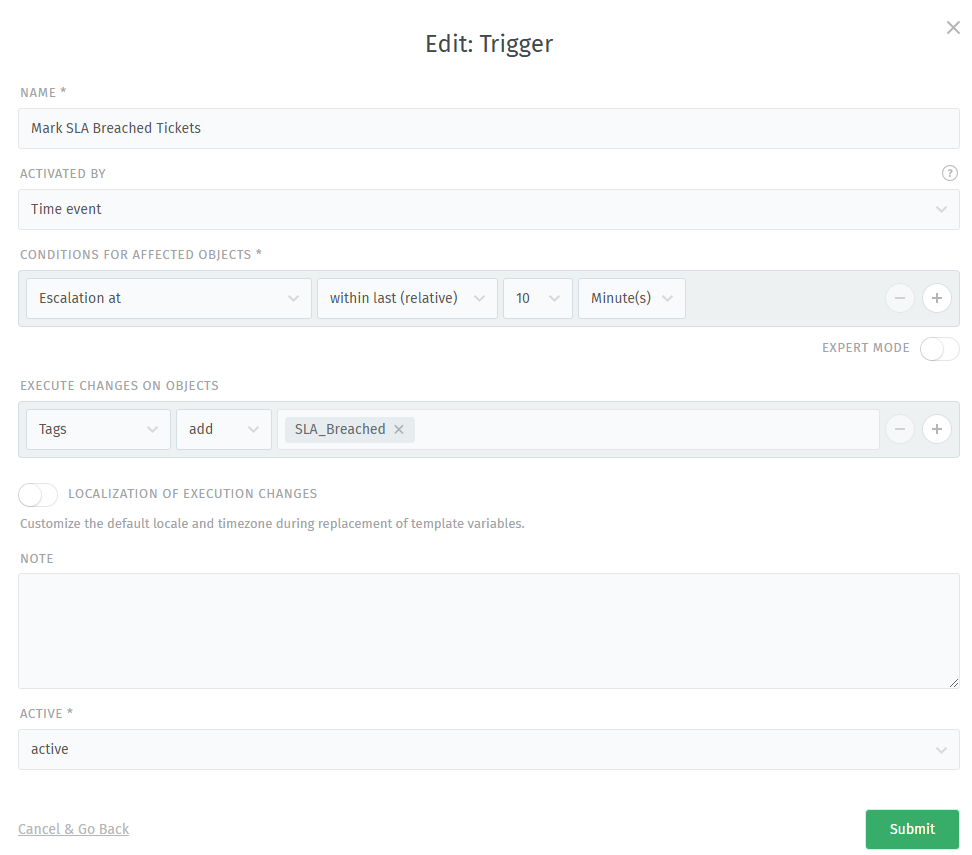
Hi I need to mark tickets that have expired SLA with SLA_Breached tag. I thought the best solution is to use a trigger since I want to tag the ticket immediately when the SLA expires. Is this setting that I show in the picture correct or would you recommend something else? I originally set the timeout to 1 minute but the trigger didn’t work with that (don’t know why).
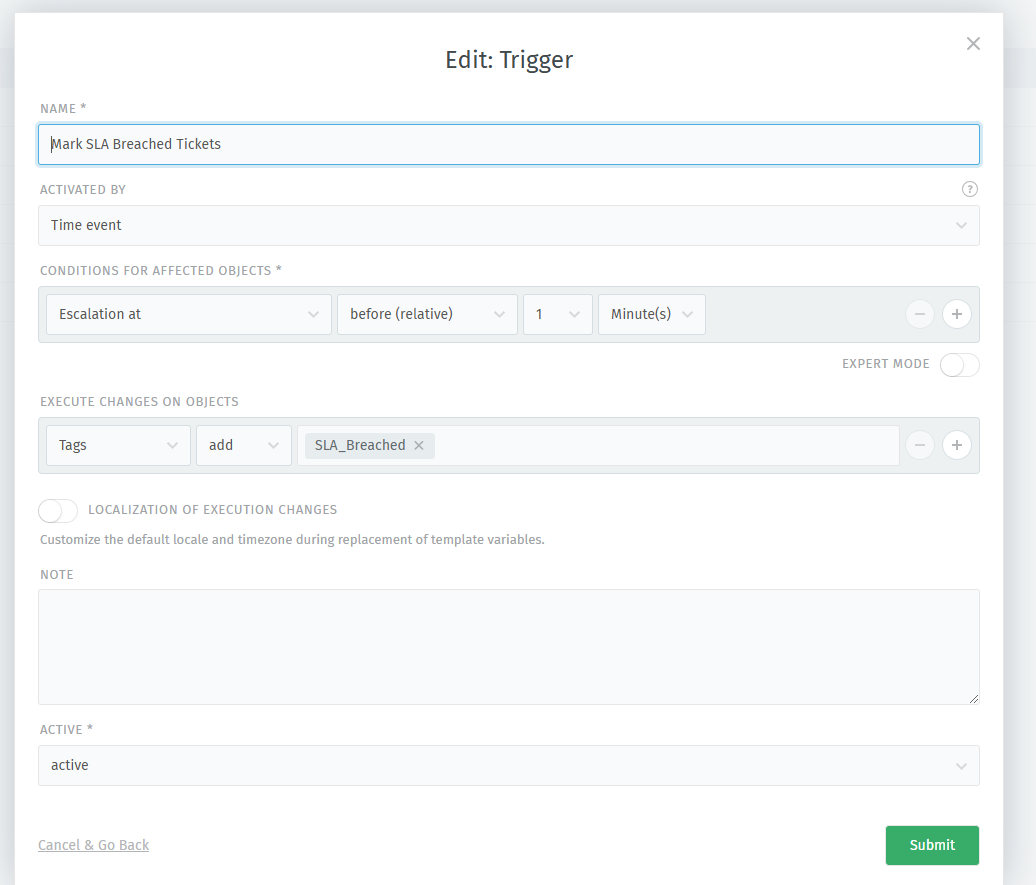
Then I tryed to change it to “before (relative)” and set it to 1 min.
It is working but not as expected… it gives tag to ticket sometimes after 2, sometimes after 4 and not immediately or at least 1 min after escalation…
After that I tryed scheduler which is also giving tag to tickets but it can run only each 10 mins which isn’t good for me (I realy need to give that tag ASAP).
The scheduler runs every 10 minutes as you’ve found out. Zammads escalation and reminder functionality currently is 10 minute precise. This might change in the future, you may want to check existing feature requests and if there’s none, create one: