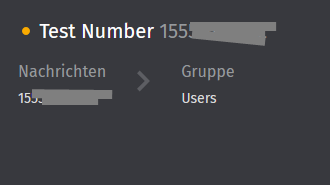
Now it works, semi… I can receive messsages in zammad per whatsapp, but I cant sent messages.
#<Whatsapp::Client::CloudAPIError: (#131030) Recipient phone number not in allowed list: Empfänger-Telefonnummer steht nicht auf Positivliste: Füge die Telefonnummer des Empfängers zu einer Empfängerliste hinzu und versuche es dann noch einmal.>
Which allow list should the phone number be entered into?
Honestly, metas configuration pages are an absolute nightmare.
It is far easier to verify your business account and add productive numbers.
I googled around 30 minutes to help you, as I cannot configure allowance lists on my accounts. But my app is verified and published already. When I configured the app for the release video, I remember having specific trouble with the test number.
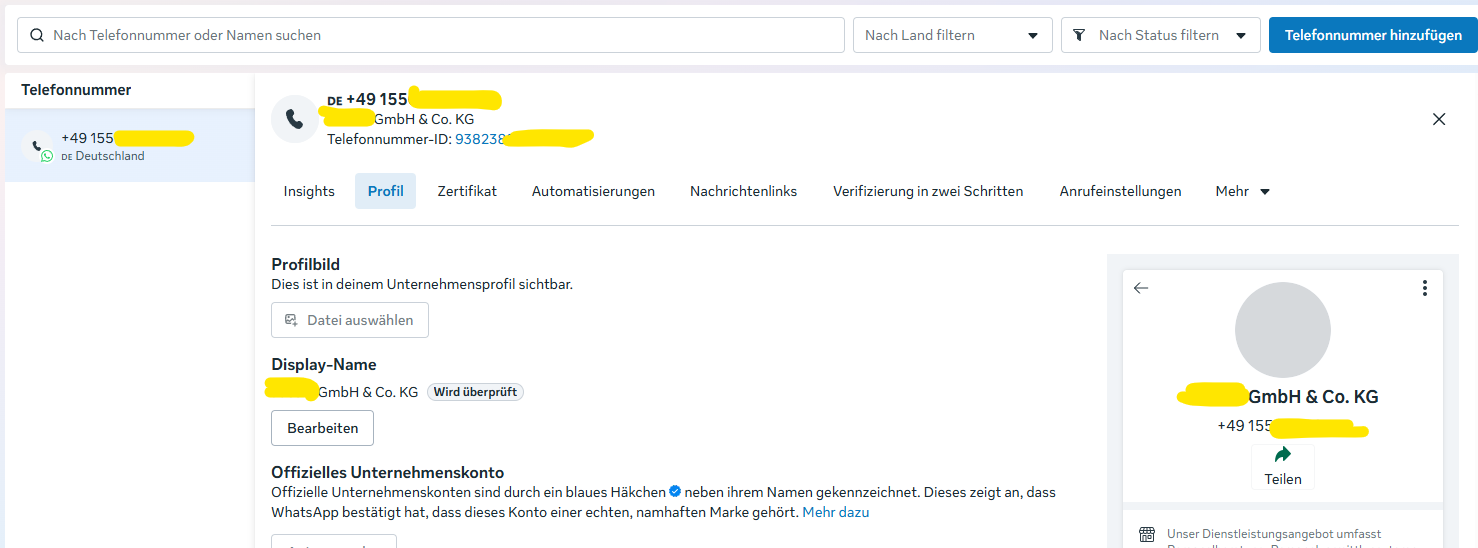
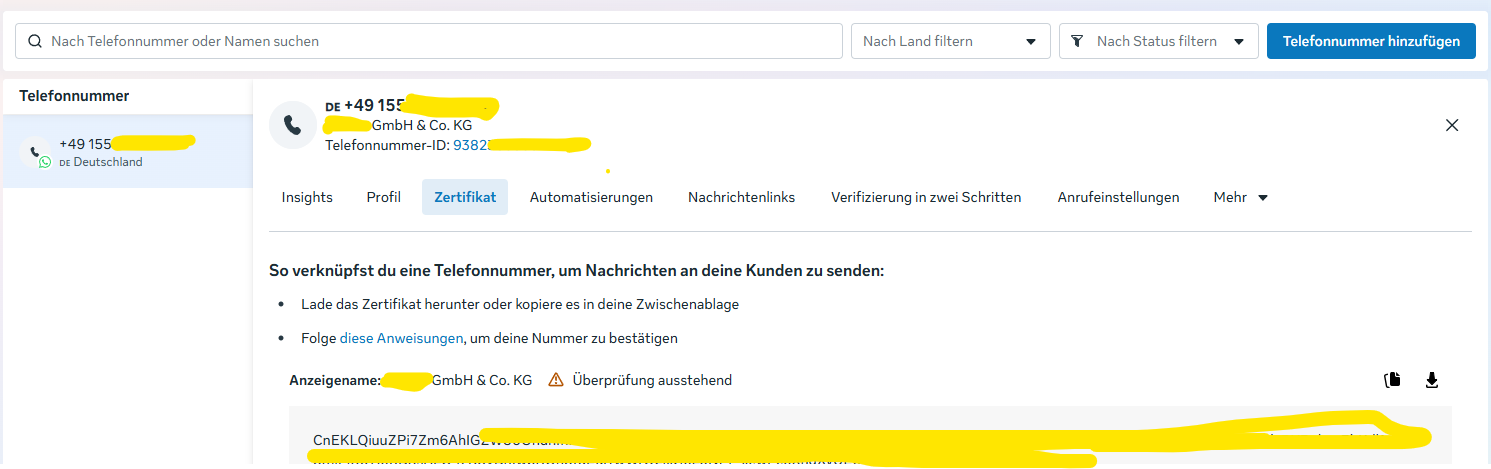
I completely agree. I’m not sure if I have to wait longer (I’ve already been waiting 5 weeks) until Meta confirms the number, or if it’s something else. I’m just fed up with this Meta nonsense right now. It’s too time-consuming and there’s no progress…
In our tests, it was normally no big problem when you have a verified Meta Business Account. And important is also that the number is not already used in another WhatsApp Business context.
Verifying my phone number was a matter of minutes back when I configured it. (I can’t go back and thus cannot re-verify certain steps due to that).
What I do remember is that I had to verify my (small)business, phone number and provide a payment method. If you have done all of that and are verified, you should be good.
I got the same problem, I was able to get this thing to work once but there I created a access token that only lastet for 60 days. Now I renewed the token with all the permissions thinking everything would work just like before but it did not. I am using a verified number and I followed all the instructions from Zammad but still I receive no messages.
You can always verify, if it’s an Zammad problem or not, with the “manual” triggering of an message via the Meta-App-Configuration UI. Here you can trigger a test webhook message (which will blocked, because of missmatch of phone numbers, but this should present in the log). When this is the case, the general configuration is working as expected and it’s on Meta side, that there is some reason, why messages are not given to Zammad.
I’ve finally managed to successfully set up WhatsApp in Zammad.
During setup, I entered a temporary token in the Access Token field and completed the setup. After that, everything worked fine with WhatsApp in Zammad.
Then I replaced the temporary token with the permanent one, and now everything is working as it should.