Infos:
- Used Zammad version: Latest
- Used Zammad installation type: apt package
- Operating system: Debian GNU/Linux 12 (bookworm)
- Browser + version: Firefox (Latest), Edge (Latest)
Expected behavior:
- When I login using with email address (for a local account) or using the M365 integration, to be able to login
Actual behavior:
- When I login with M365, I get the following error message
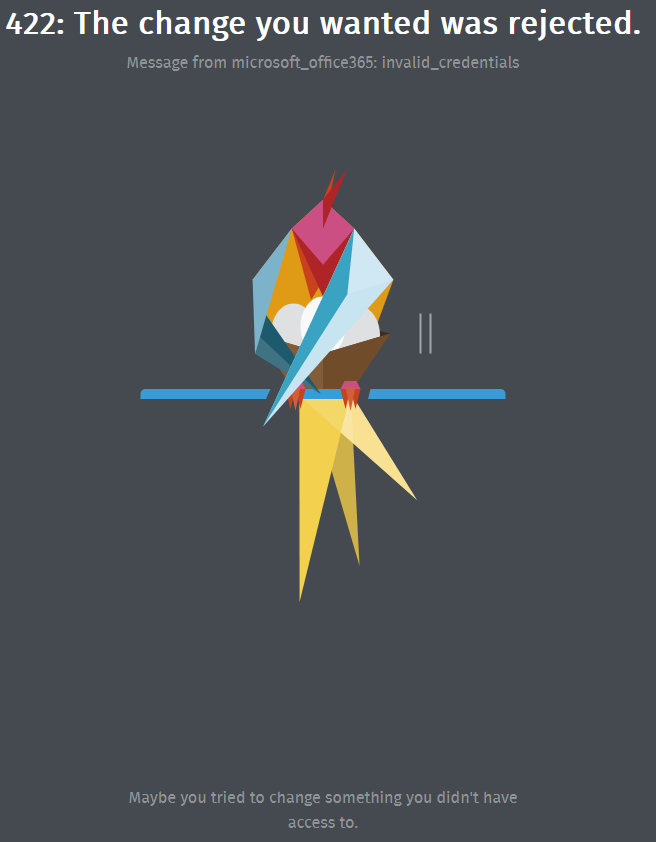
422: The change you wanted was rejected.
Message from microsoft_office365: invalid_credentials.

Maybe you tried to change something you didn't have access to.
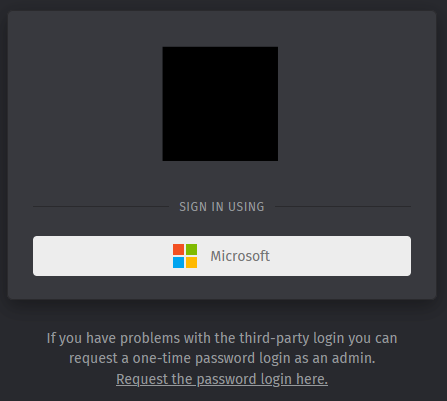
- When I login manually, I get the following (NOTE: I’ve disabled username and password field as people people ignored me when I said click on the M365 button, so I need to click on “Request the password login here” option).
StatusCode: 500.
Error ID *random_string*: Please contact your administrator.
Steps to reproduce the behavior:
NOTE: To confirm, this set-up all appeared to be working on Monday, but I’ve had a couple of weeks off, and I’ve recieved notifications from the system on Monday (systemd timers) but when I came back to work on the Tuesday, I was unable to login. Nothing has been changed on the server, and then M365 intergration appears to be working just fine.
Please let me know what log files you need and I’ll get these uploaded ASAP.
Yes. Well, the Microsoft tenant credentials for the app are invalid / no longer valid.
I’m not sure what your question is to be honest.
Sorry, my question is how can I login. If the credentials are invalid, then I will need to re-authenticate within Zammad? The Tenant application is showing as functional and operational.
As for the credentials being invalid, I have access to the two accounts linked into Zammad, and either of those accounts passwords have changed. I can also see that the Zammad ticket system is actively connected and working through emails on the email it’s linked with - which if the credentials aren’t linked / invalid it wouldn’t be able to do?
Right, it’s not about the accounts credentials, that’s what I also hinted initially. Zammad never gets known the Microsoft account credentials, because the authentication happens on Microsofts end. The API credentials (application id, secret…) are not valid. That is the problem.
Sorry for the delay, but I’m unable to login to the Zammad system at all to update any keys etc.
Using the Microsoft button does nothing (as already discussed), and then the Request the password login here. doesn’t send a password, and doesn’t provide me with a username and password field. Is there anyway I can get the username and password field back to login with a local account to fix the problem?
Thank you
As you have no access to the UI right now, you can use the rails console to do so:
zammad run rails r "Setting.set('user_show_password_login', true)"
The email should be sent, if the email address of the account in question is one of an administrator. That however requires the email notification channel to be functional, what I honestly doubt for your installation.
So, the rails command worked and I was able to login, but the M365 integration appears healthy
Your right, the email channel isn’t functional, but I was under the impression that this wasn’t a required set-up as the “M365 Graph Email” connector has been set-up?
I’ve not recreated the app in Azure / Entra, but I’ve created a new Secret and re-authenticated as well as re-entered the “client id” etc, but this also hasn’t made any different, I’m still getting the “invalid_credentials” when attempting to login.
This connector is only for user mail channels, if you want system mails (like the reset link) you have to use the smtp connector under Settings → E-Mail.
Not nice, but there is no other way I’m aware off.
You are drastically mixing things up.
The microsoft 365 graph EMAIL channel is for emailing only. The notifications are not part of that (and the documentation does point that out). You are having authentication issues, why are you looking in the communication channels to check how your authentication is…?
Everything you need for the microsoft 365 login can be found here in the documentation, you might want to revisit this topic.