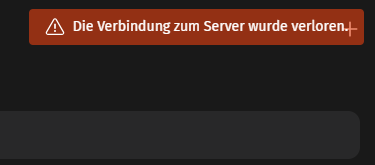
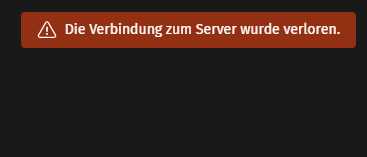
when I use the site on my PC browser it works perfectly.
If I use it on the mobile phone, the login works fine, but then I get “Network connection lost” in the view and in the log of zammad then appears zammad-railsserver-1 ERROR – : Failed to upgrade to WEbSocket (REQUEST_METHOD: GET, HTTP_CONNECTION: Upgrade, HTTP_UPGARDE:)
Manual Update Action Required by the Administrator
When updating to Zammad 6.0 from a previous version, the system administrator needs to add some content to the configuration of the reverse proxy.
Example for Apache: ProxyPass /cable ws://127.0.0.1:3000/cable
Hello ecomsilio,
I did not do an upgrade but from scratch with docker compose up -d.
Your mentioned changes are already in the last version from my point of view.
on my verison it is already configured under /etc/nginx/sites-enabled/default.
what would be the correct way to fix this error with docker compose?
I have done a test with a VM and the error does not occur there
here is a picture of the error when i call it up on mobile
I only have the problem when I want to use mobile on phone or tablett.
also with the test http://myzammadinstance.tld/mobile produces the same error
Using it on the PC works without any problems
yesterday i have tested a new setup with docker-compose.
i have changed in den docker-compose.yml file the Version from
6.4.1-29 to 6.4.1-32 and another test to 6.4.1-41 but allways the same failure.
What could be the error?
Does anyone have any ideas?
I’ve run into similar problems with Zammad’s mobile view when using a docker-compose setup. The login usually works, but afterwards the WebSocket upgrade can fail depending on the server configuration or proxy settings. On desktop browsers it works fine, but on mobile browsers it sometimes triggers the “Network connection lost” error you mentioned.
I’m also looking into how to optimize the website overall so it performs better on mobile devices, not just for Zammad but for the full user experience. Has anyone found a reliable fix for WebSocket handling in mobile environments, or tips on improving website performance alongside it?