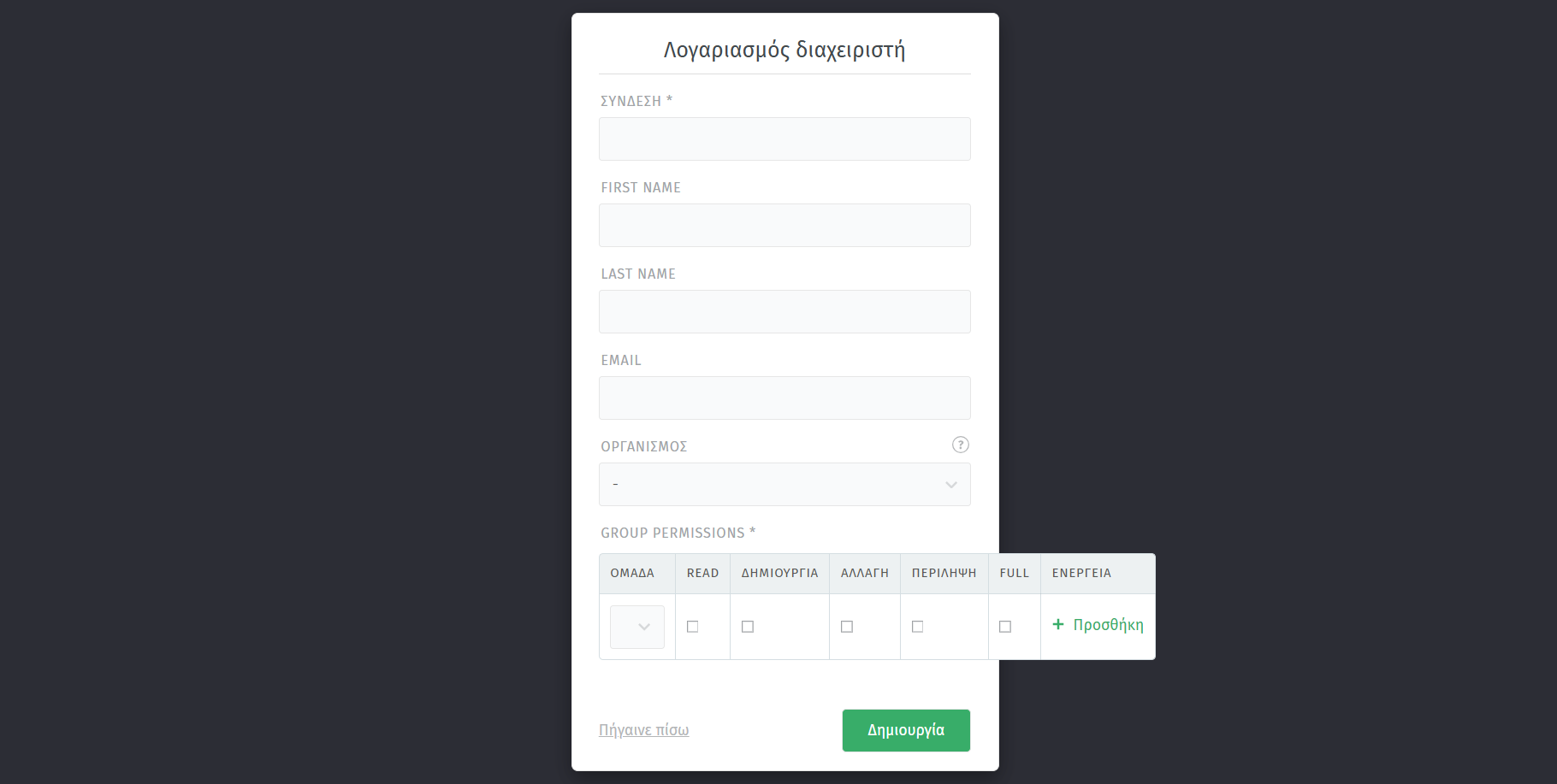
In Ubuntu linux i install docker and later i put it zammad from github in docker . As i watch in everywhere i search nothing more need to edit in .yml file or something and look so easy . And almost was peace of cake . I run alla containers , i open my browser and found the web interface but then i reach here as you see in the image . After that nothing , all the time brings me message about poor police password but i cannot see nowhere password field. There is nothing that can help in github file . For sure i miss a step about the database but all the documention i found never say about that .
I am not able to read cyrillic.
I assume you’re in the Getting Started Wizard. After adding your administrator account, you do not need to do any additional step like inviting further agents etc. Just skip these to get out of the dialogue.
That being said, I can’t recall that this kind of screen would appear at all.
Is this a vanilla installation of Zammad…? You might want to stick with stable versions too (just in case you’re not).
Also for the default password policy, it’s this:
- 10 characters or more
- At least 2 UPPER and 2 lower characters
- One or more digits
haha sorry , yes its greek . The first field said connection . The form miss the password field . Only first name Lastname email and organasion . I follow ordes from that link Install with Docker — Zammad System Documentation documentation and i download it from github , i user the enviromental data i saw in the site but yet nothing .
Sorry, I still am unsure where you’re at. What is the URL after the domain part in your browser?