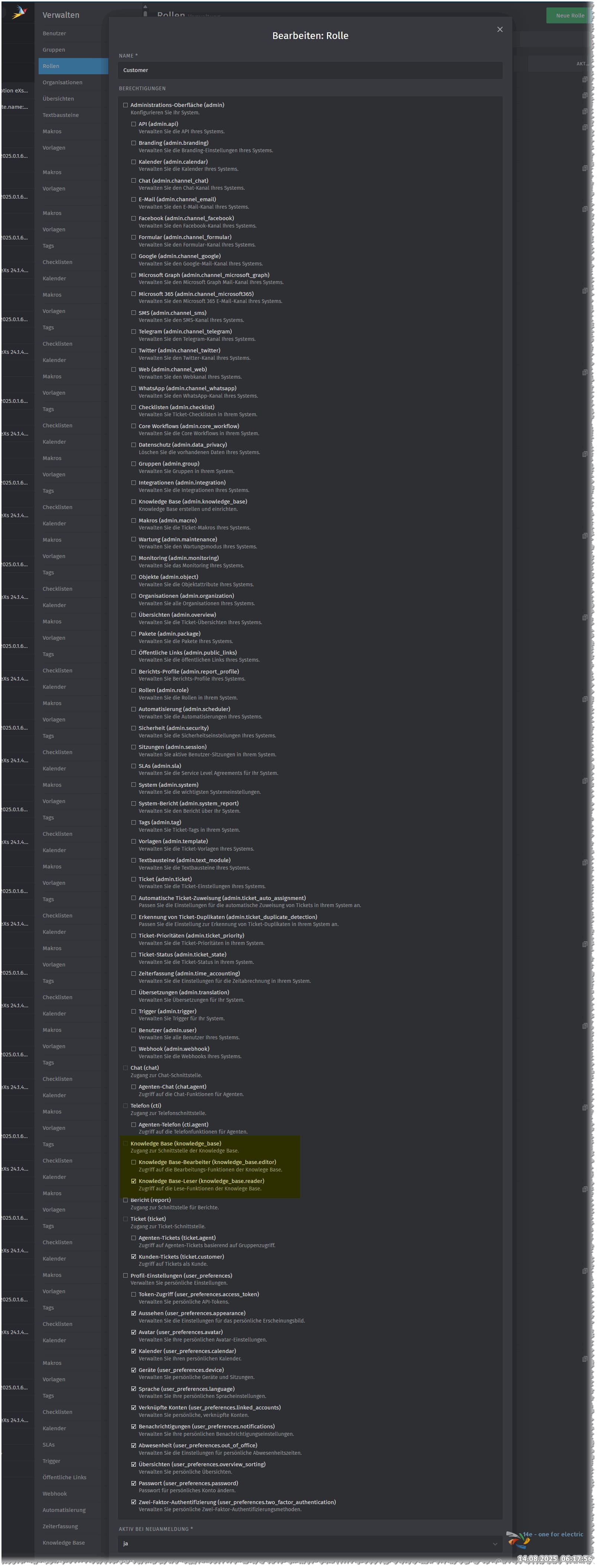
Infos:
- Used Zammad version: Cloud
- Browser + version: Edge 138 (Windows 11 24H2)
Expected behavior:
- When I set the permission of a category for the role customer, this category should be visible for customers only (not public)
Actual behavior:
- Sadly no possibility found in settings to set e Knowledge Base article for a Customer only visibility, the Agents and Admins have to seen this too.
Steps to reproduce the behavior:
- Enable knowledge base
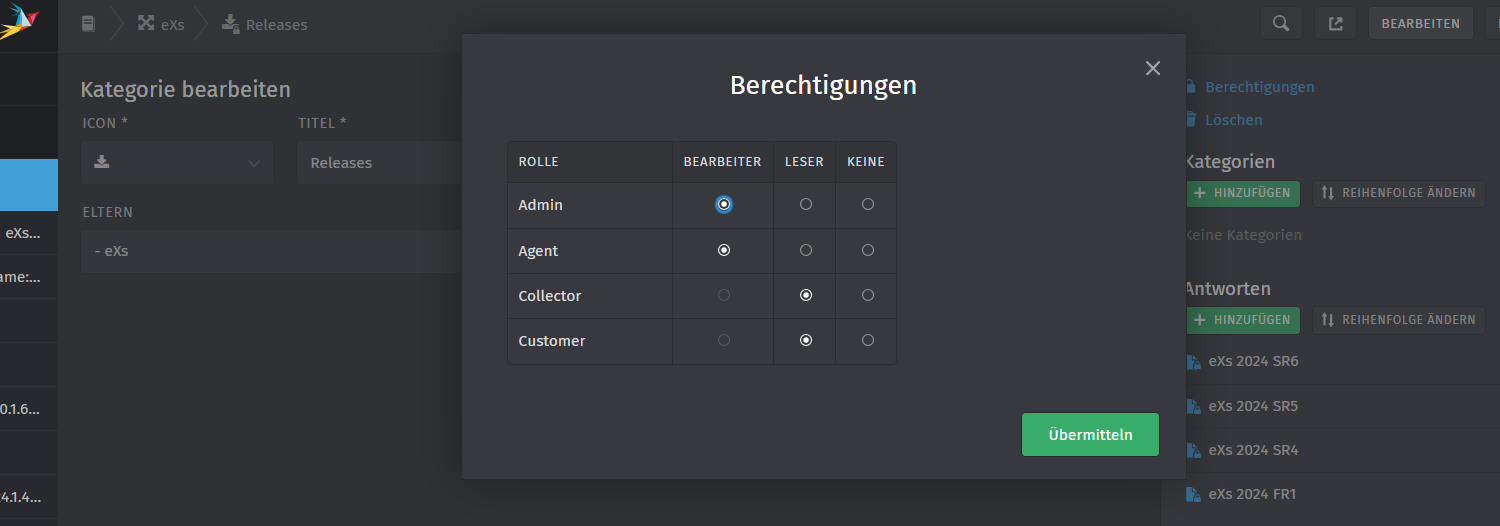
- Create a category with reader permission for customers, Agents and Admins
- Go to users, select any user with only the customer role assigned and choose “view from user’s perspective” from the three-dot-menu.
I also checked the video of @MrGeneration, goes in right direction, but if io see it correct, missing there too the possibility to set KB’s to customer as reader:

As you can see, the category that shouldn’t be shown is visible internal, but no possibility for Customer):
This is the configuration for the customer role: