Translatable knowledge base UI elements for multilingual customer portals
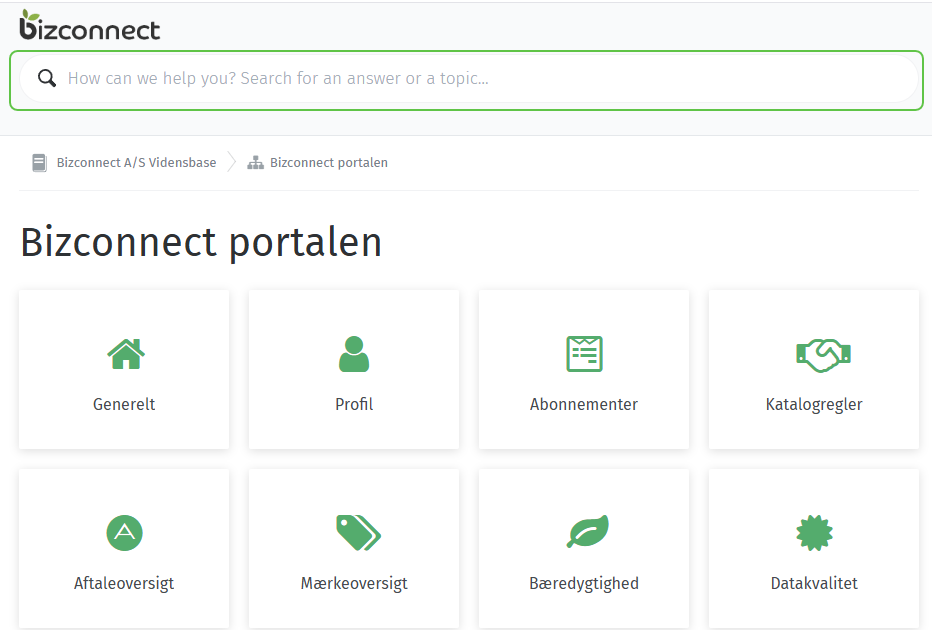
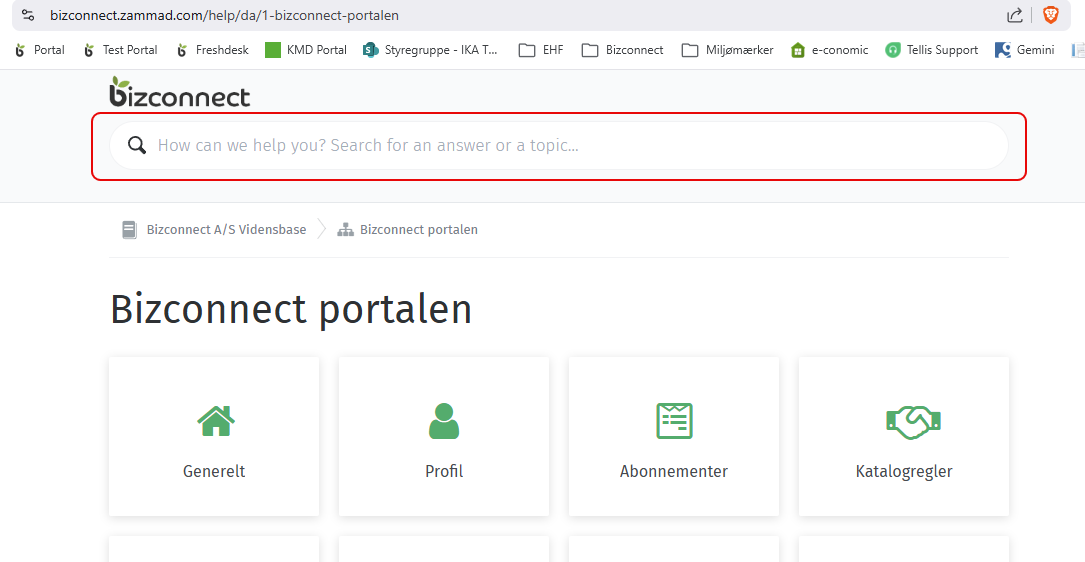
1) What is your original issue/pain point you want to solve? One crucial UI element in the customer-facing knowledge base is hardcoded and cannot be translated through the language module: the search bar placeholder text. This single untranslated string breaks an otherwise fully localized customer experience.
2) Which are one or two concrete situations where this problem hurts the most?
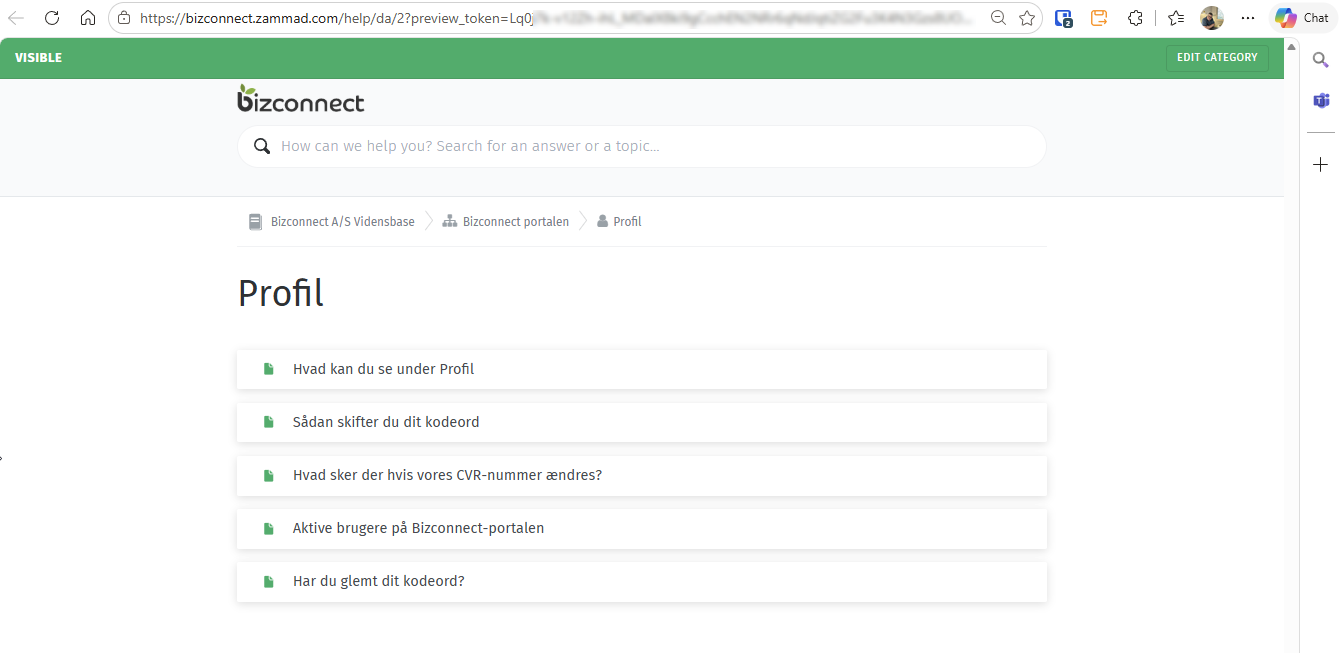
A Danish company has fully translated their Zammad knowledge base into Danish - articles, categories, and navigation. However, the most dominant element on the page - the search bar placeholder “How can we help you? Search for an answer or a topic…” remains in English, creating an inconsistent and unprofessional impression for Danish customers.
Any company operating in a non-English market will face the same issue. The search bar is the first thing a customer sees and interacts with. Having it hardcoded in English makes it impossible to deliver a fully localized experience.
3) Why is it not solvable with the Zammad standard? The search bar placeholder text is embedded in code in the cloud solution and is not exposed in the translation/language module in the hosted environment. There is currently no workaround available.
4) What is your expectation/what do you want to achieve? The search bar placeholder text should be translatable through the existing language module just like all other elements in the knowledge base. One field, one fix, significant impact.
Your Zammad environment:
Average concurrent agent count: 1
Average tickets a day: 10-20
Roles/people involved: Admin, Agent, Customers (knowledge base readers)
Anything else: The knowledge base is often the first point of contact for customers seeking help. A single untranslated string, especially in the most prominent UI element like the search bar, undermines the professional impression of an otherwise polished support portal. This is a small change with a significant impact on user experience for all non-English Zammad customers.
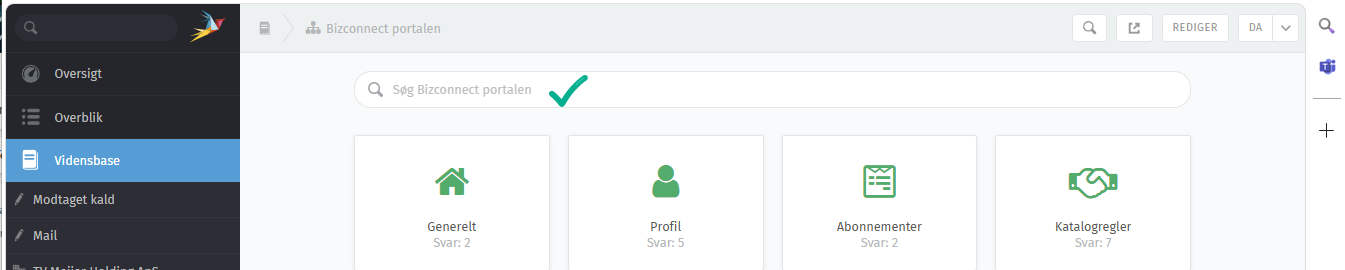
At least it’s in the translated function, when I see it correctly, and also in the translation catalog. We maybe need check if it’s really not working or something else is going on here.
Ok, then I just haven’t found the correct place to translate the customer faced text string. I have made several translations with the t-toggle already in the portal, trying to bring up those 43% a day at the time.
The reason I created this thread, was because I was told by Zammad Support this exactly text was non-translateable.
I will try having a go with the link you provided instead of the t-toggle within Zammad.
You should normally always use the Weblate tool for that. The translations inside Zammad are normally for special situations and for custom strings (e.g. own object attributes). This is not synced with the real translations inside the code base.
Found it, and while I was at it, I translated quite a few other missing strings as well. I moved Danish from 43% to 55% in the process. Still more to go, but getting there! I think I will take a break for now, but I will be back.
Curious - How often are translations verified and pushed into production?
And another question, I see I have been translating in Stable version (Currently 57%)
But should I actually have been translating in Development version (Currently 55%)
 I think I will take a break for now, but I will be back.