We’ve been running 3 self-hosted Zammad instances for several years and created reporting profiles for our organizational units to find out who creates the most tickets. This worked perfectly until recently — we believe the issue started around April 2025 — and it now affects all systems.
We have reporting profiles set up with the following filters:
State: is closed, new, open, pending close, pending reminder
Department: contains “Unitname”
Group: is not “Freelancer”
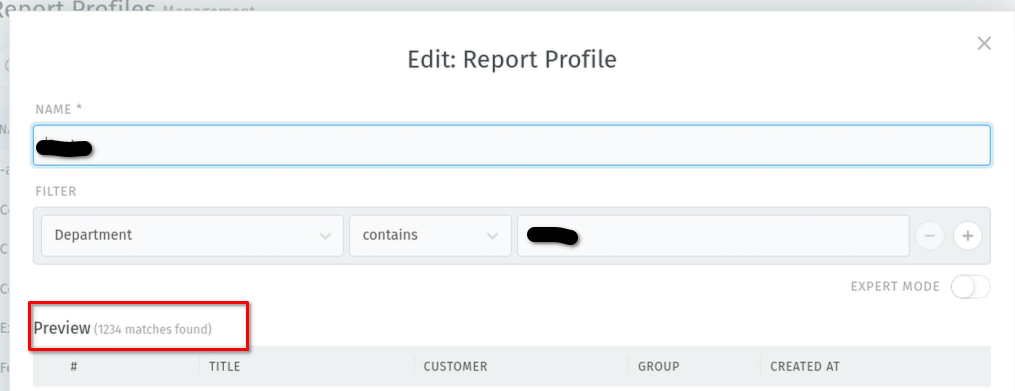
In the “Edit: Report Profile” view, the filters seem to work. The ticket count is shown correctly, and we can see a preview of some tickets.
However, in the actual Reporting section:
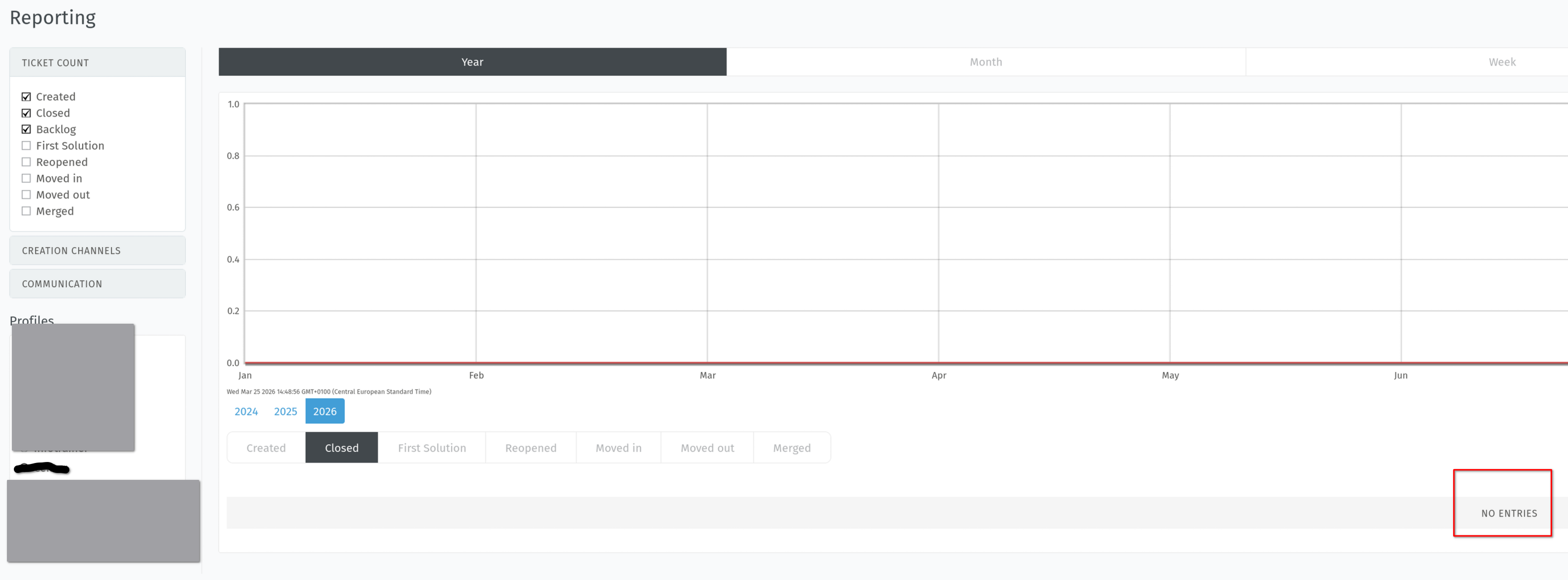
We only see the graphs, but no ticket count and no ticket list
In the “Creation Channel” view, we see nothing at all — no graphs, no tickets
Additional context:
Users are synced via Active Directory.
We verified that all user attributes (including department) are correctly populated using LDAP Admin and the same bind credentials as used by Zammad.
We assumed the “Edit Profile” preview uses an internal admin context (which might explain why it works), but our user accounts are full admin users and have “reporting” enabled.
We also created a custom user object (AD_Department) and added default permissions, but it did not change the outcome.
It seems to be a permission-related issue, but we are unsure how to resolve it. Nothing significant in our configuration has changed recently (aside from regular Ubuntu and Zammad package updates).
Expected behavior:
Show graphs and ticket count and tickets in the “Ticket Count” report view
Show tickets and graphs in the “Creation Channel” report view
Actual behavior:
Only graphs are shown (no ticket count, no ticket list)
Nothing is shown in “Creation Channel” (no graphs, no tickets)
Steps to reproduce:
Create a report profile with the following filters:
You‘re entering a year old thread without adding more input e.g. on your version and what potentially changed before. Hard to help you at that level. Did you reindex already, which is the solution on earlier answers?