Hi,
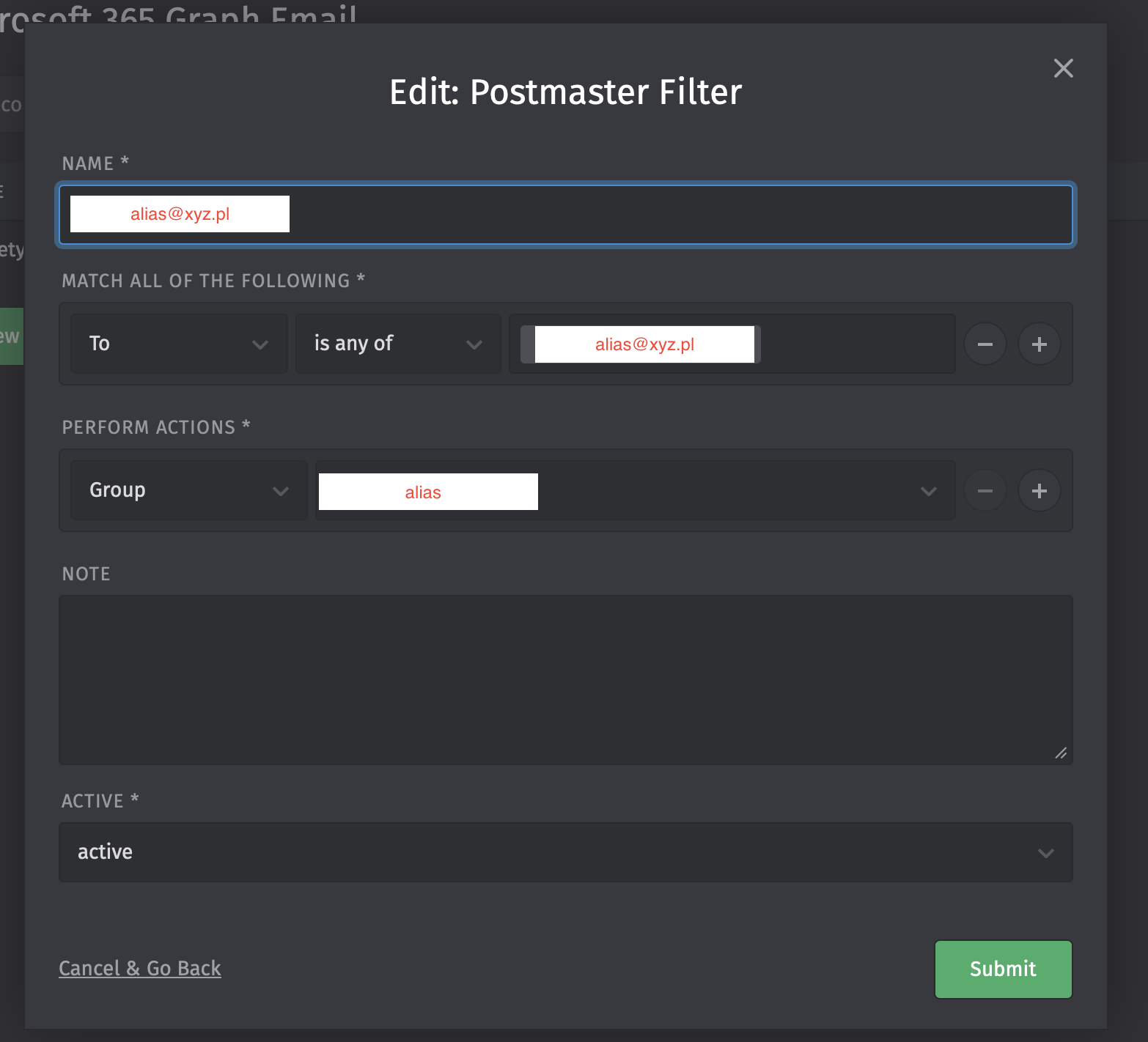
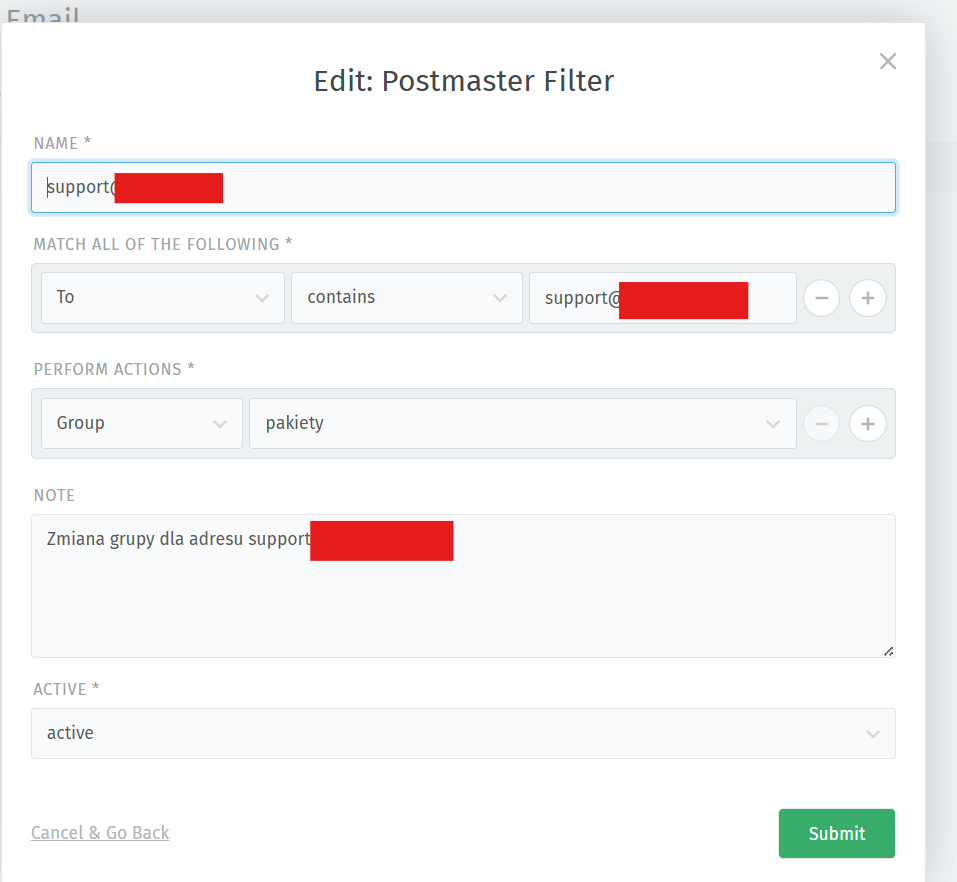
I would try putting in “is any of” like it is in the ticket and not only the email adress:
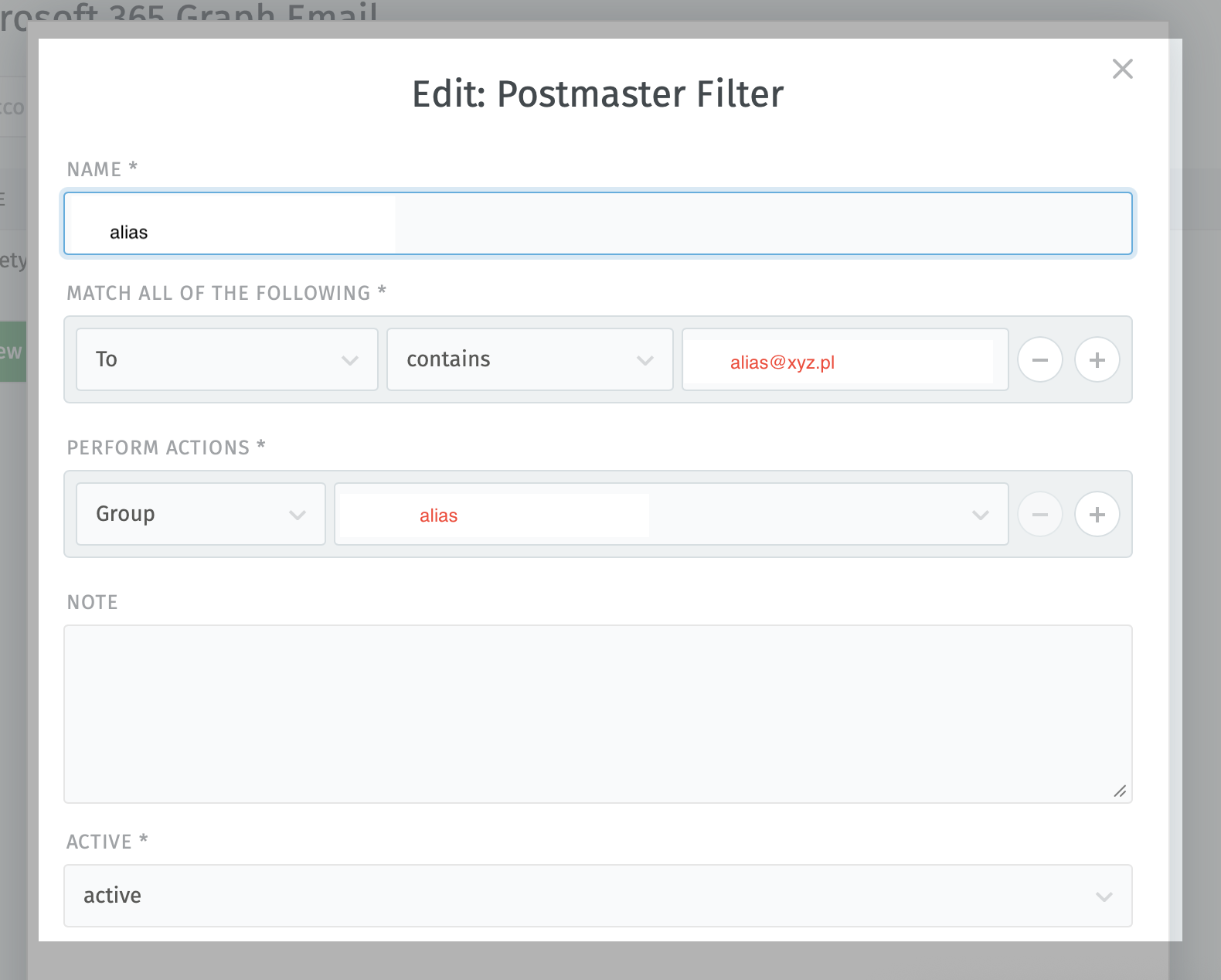
I changed rule to contains. I checked that “TO” can be different due to sender. Unfortunately still does not working.
HI,
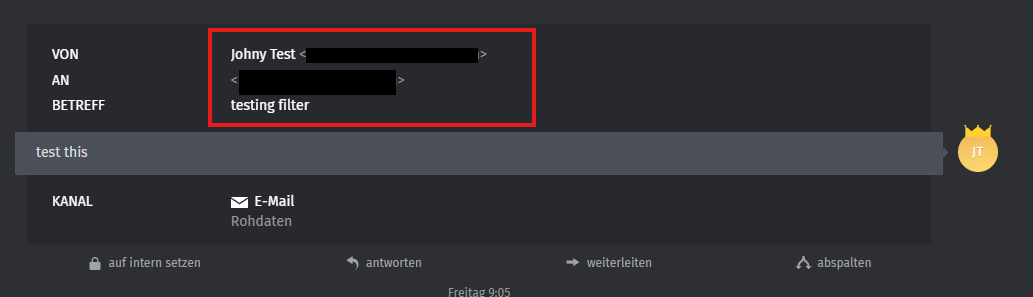
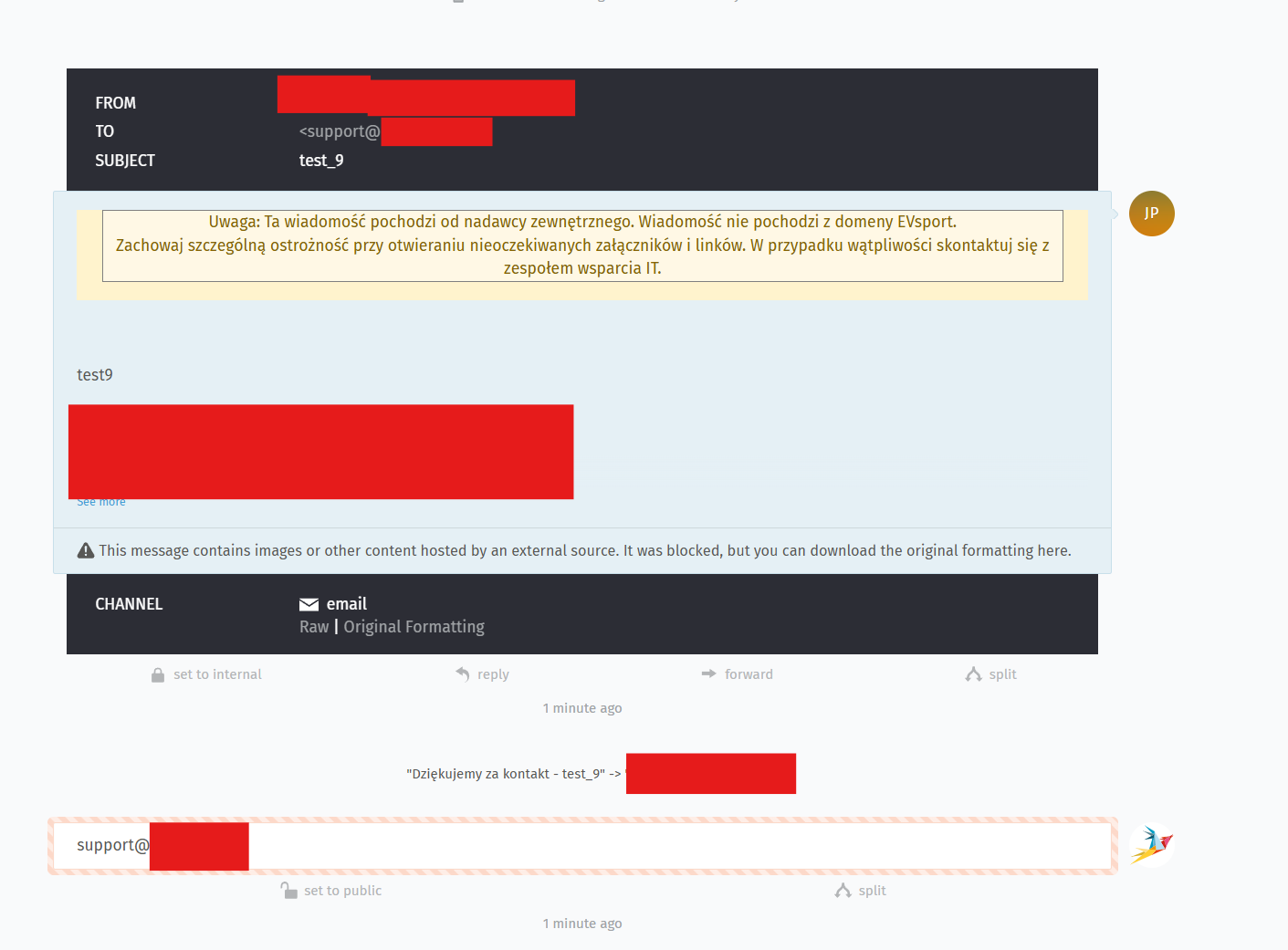
Copy the address from the ticket with the arrows:
<herewego@my-email.com>
Huh? If that‘s the solution, it has to be a bug. Contains should match the email address, no matter if arrows or not. No matter if display name is in the field or not.
Hi, MrGeneration good point, thank you for your input.
I double checkt to be sure. And it works for me fine even if I use “is any of” or “contains”.
I could not reprosuce the problem.
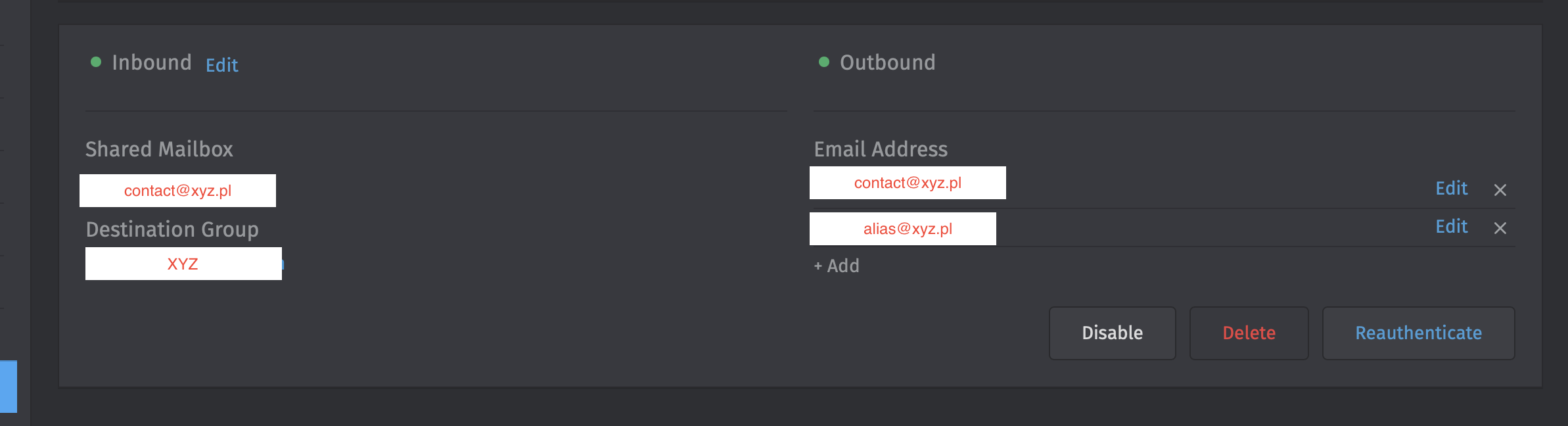
But I did not use an alias email account.
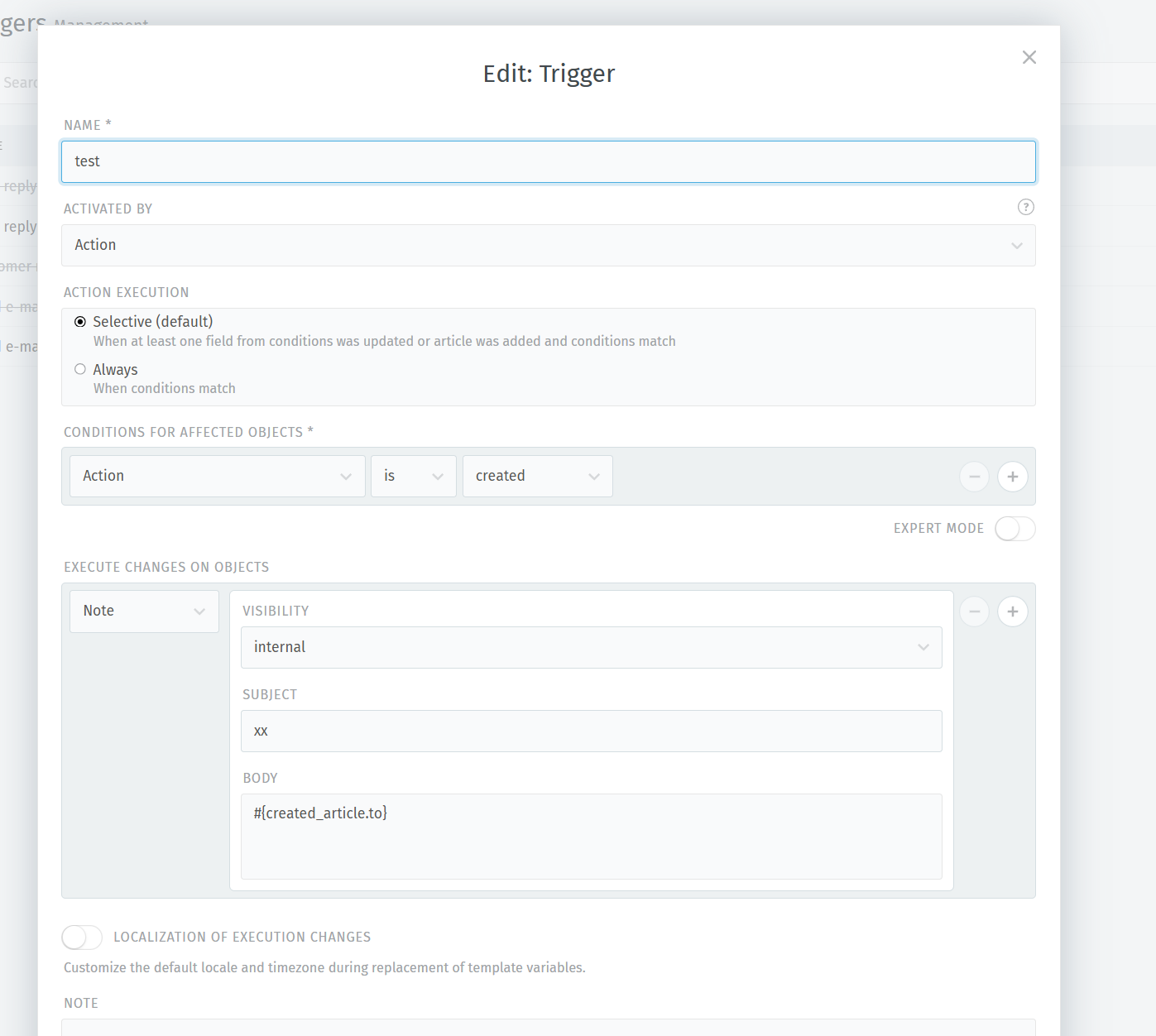
- I would check the ticket history if another trigger or automatisation conflicts with this email filer
- chceck the eml file what is shown in the “to” field.
Microsoft loves to rewrite the aliases to the mailboxes mail address. The headers shoud show.