Subject: Old UI (legacy frontend) — field values flicker/revert briefly after ticket update in Zammad 7.0
Infos:
- Used Zammad version: 7.0.0-1773670006.ac644a7b.jammy amd64
- Used Zammad installation type: package (deb)
- Operating system: Ubuntu 22.04 LTS
- Browser + version: All browsers (Chrome, Firefox, Edge — tested in incognito as well)
- Elasticsearch version: 8.19.12
- Database: PostgreSQL 14
Environment: Hyper-V virtual machine, 7 CPU cores, 14 GB RAM
Expected behavior:
When changing a ticket field (e.g. owner, state) and clicking “Update”, the new value should be applied and displayed immediately without any visual glitches.
Actual behavior:
After clicking “Update”, the changed field briefly reverts to its old value for approximately 1–2 seconds, then snaps to the correct new value. This flickering/revert happens consistently on every ticket, regardless of the field being changed (owner, state, group, etc.).
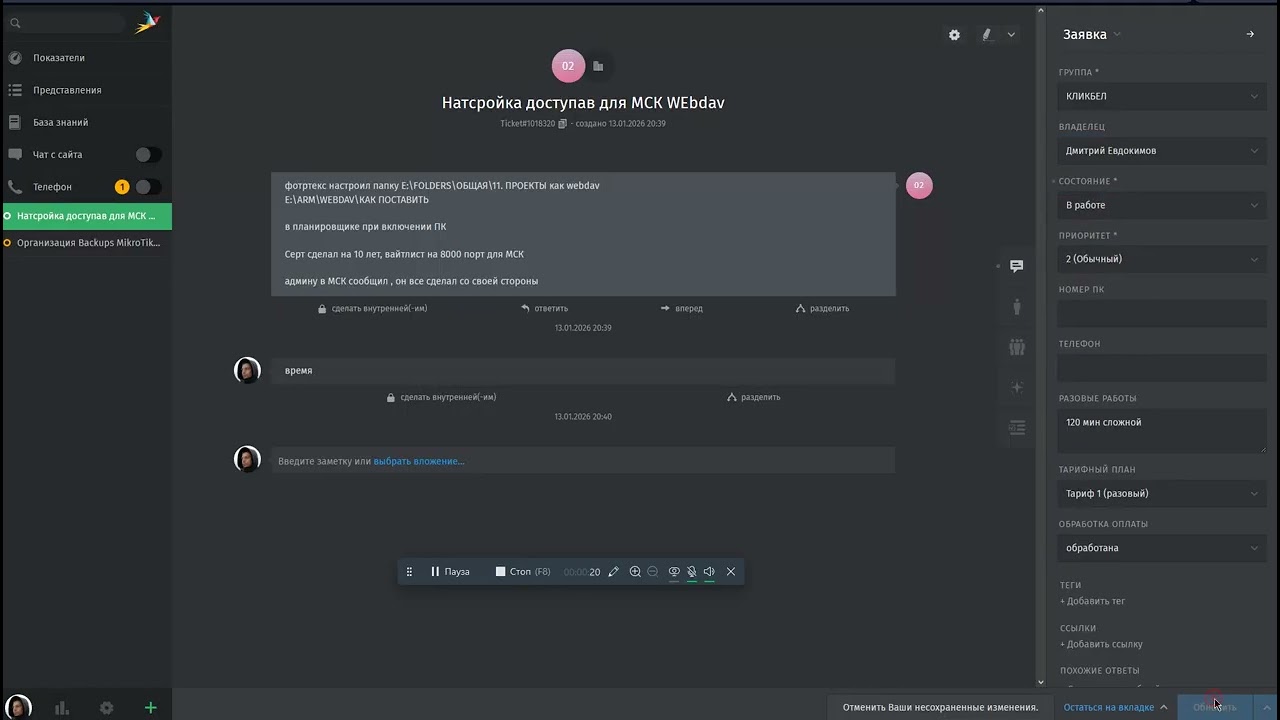
This behavior appeared after upgrading from 6.4 to 7.0. It was not present on version 6.4.
Important: The new Vue.js desktop frontend (/desktop) does not have this issue — the problem only occurs in the legacy frontend (/#ticket/zoom/...).
What was checked:
- Server response times are fast:
TicketsController#updatecompletes in 270–350ms,TicketsController#showin 25–120ms - WebSocket has no delays — push messages arrive instantly
- Ruby GC was tuned (reduced GC pauses from 300ms to <10ms) — did not fix the flickering
- Disabling all triggers — did not help
- Tested across multiple browsers and incognito mode — same result
- Updated to the latest 7.0 build — issue persists
Steps to reproduce:
- Open any ticket in the legacy UI (
/#ticket/zoom/<id>) - Change the owner (or state, or any other field)
- Click “Update”
- Observe: the field briefly shows the old value, then updates to the new value after ~1–2 seconds
Network tab observation:
After a single “Update” click, the frontend sends multiple duplicate requests for the same ticket (tickets/<id>?all=true), each triggering a UI re-render. This causes the field to flicker between old cached data and fresh server data.
Workaround:
Switch to the new desktop frontend (/desktop) — the issue does not occur there.