Hello
Looking for a little help with an issue with a 365 email account. I am sure I am doing something wrong.
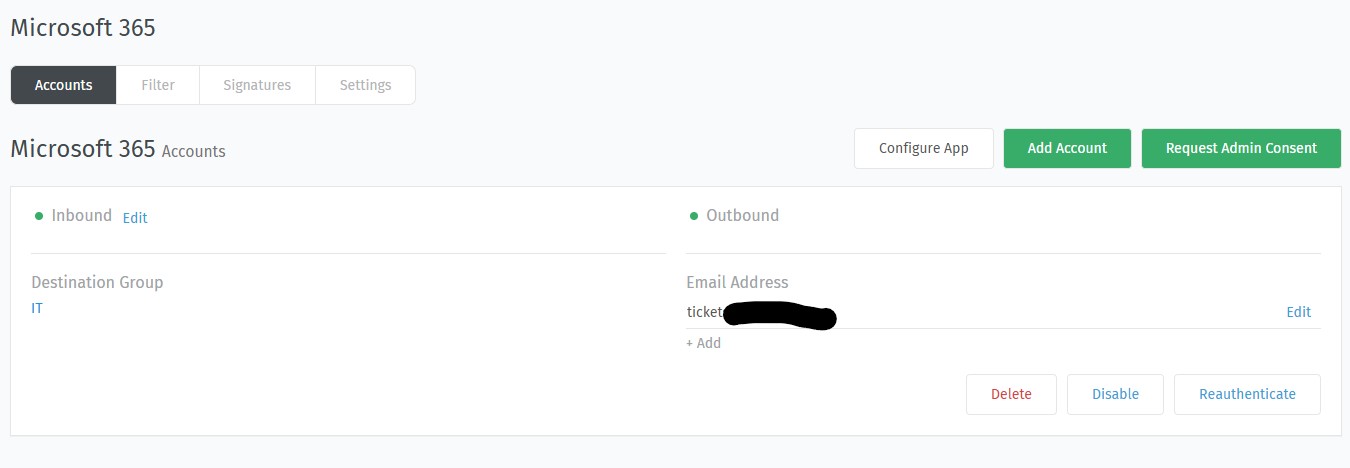
I have the account setup and working on a channel for 365 and when someone emails this address the ticket system creates a ticket in the system. So for incoming this is working.
Problem is Zammad wont send emails using this account when an Agent responds to a ticket. Nothing takes place even as the image I uploaded shows the Outgoing is green.
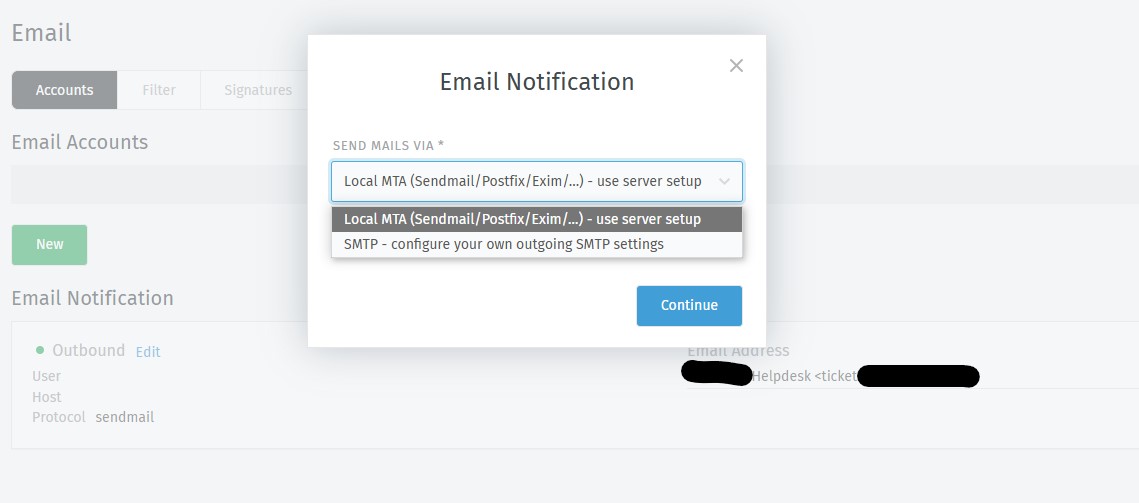
If I got to Email these are the options I have and I have Outgoing set as the same email address.
I found that in order for Zammd to actually use the configured outbound email address I have to instruct it separately. I clicked on “Edit” next to “Inbound” (below the “Microsoft 365 Accounts” caption - visible in the first screenshot you posted here) and then selected “Switch to ”. Then it was working for me.
Good morning! Could you share how you did it? I’m facing the same scenario. Here in our newly configured environment, the entire company runs on Windows 365, and everything works except for the email notifications generated by Zammad.
I was using Microsoft Direct send, where it allows for sending emails directly to mailboxes only within the organization without needing authentication.
So I had to disable direct send. I am going to look at other options or see how to lock down direct send, but it would be nice if Zammad would allow this M365 account to work out of the box.
Another option would be to enable SMTP on the tenant but only allow SMTP connections from the public Zammad IP.
I’m using the ITB SMTP Relay on one of our Windows Servers to get Zammad Notifications. You can send Mails via SMTP to it and it relays the Mail over to O365 via Graph API.