Used Zammad installation type: Package (self-hosted)
Operating system: Debian 12 (Bookworm)
Browser + version: Microsoft Edge 143.0.3650.96 (Official Build) (64-bit)
Setup / context
Channel: Microsoft Graph Email
Entra ID App Registration: Delegated permissions
Auth: OAuth2 with access token + refresh token (offline_access)
Mailbox: Currently a shared mailbox accessed via a dedicated service account (could be changed to a normal mailbox if that helps)
Requirement: Must be able to send and receive emails reliably in production
Expected behavior
Zammad should be able to keep sending/receiving emails in production without requiring an admin to manually click “Re-authenticate” on a regular basis.
If a refresh token becomes invalid, I’m looking for an officially supported non-interactive alternative (e.g. app-only / client credentials / application permissions), or a recommended production setup that avoids interactive reauth.
Actual behavior
When the refresh token becomes invalid/gets revoked/invalidated, Zammad appears to require manual re-authentication via the Zammad UI. Until that happens, inbound/outbound email stops.
Questions
With Microsoft Graph Email + delegated permissions, is manual re-authentication always required once the refresh token is no longer valid?
Is there an officially supported alternative for production that avoids interactive reauth (e.g. Graph app-only / client credentials / application permissions)?
Why it matters (impact)
In production this is a single point of failure: email processing can stop until an admin manually intervenes (vacation/sick leave/etc.).
Additional info (optional)
I can provide logs/errors if needed, but the core question is about the token lifecycle and re-auth strategy, not a specific invalid_grant message.
No, there’s no automatic, non interact method to do this, because it requires interaction with Microsofts WebUI and an active callback back to Zammad.
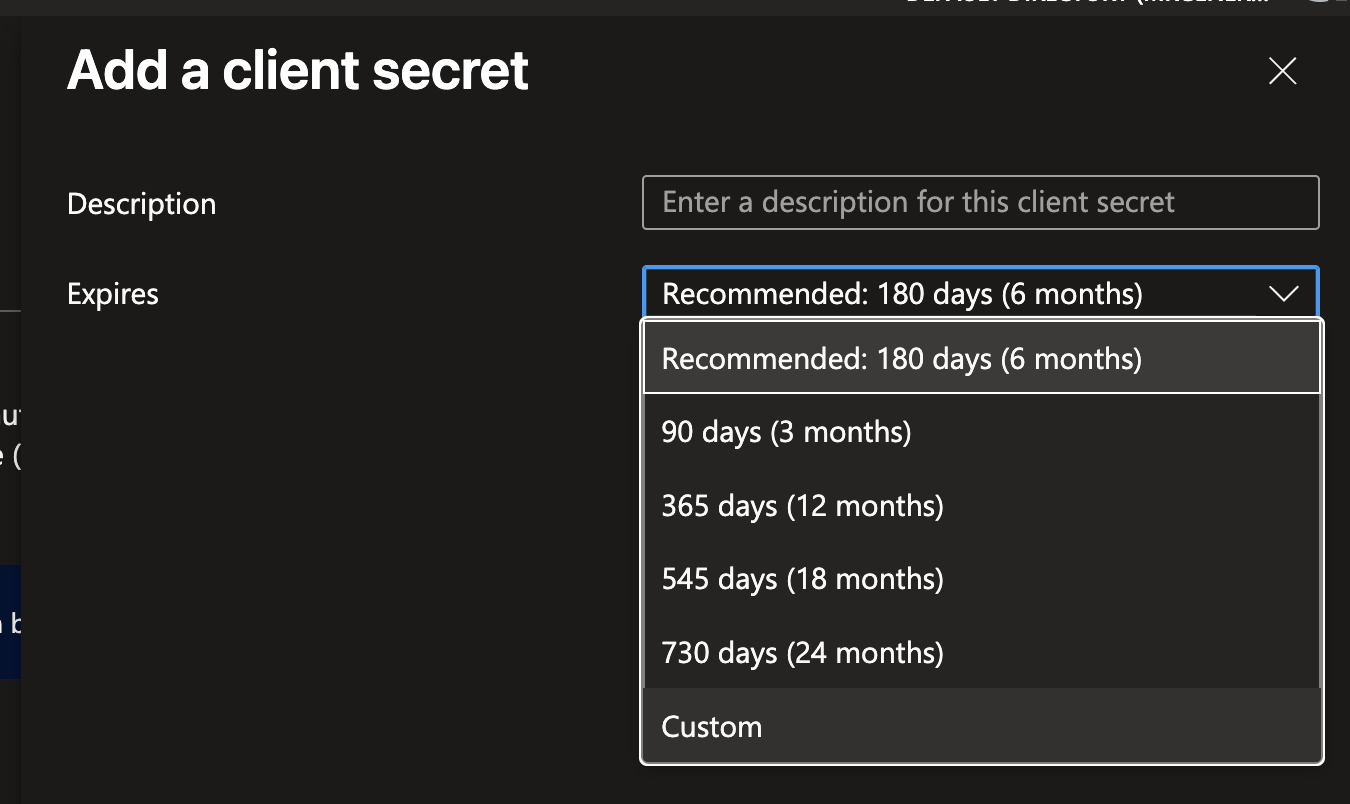
The problem is not that a rolling secret expires, but that the client secret expires.
By default after 6 months. You can use a much higher runtime though.
That’s imho the best way to do it. Doesn’t hurt to note down the expiration before hand too, so it won’t cause an outtage etc.
I’m aware of the client secret expiration topic already (and that it needs to be rotated before it expires).
My main point is that on the Entra / Conditional Access side a re-authentication can still be enforced (e.g. session controls / sign-in frequency / token revocation), which can invalidate delegated refresh tokens and then requires an interactive re-auth via the Zammad UI.
This confirms my understanding that Zammad keeps using the rolling/rotating refresh token as long as Entra ID allows it, and that any forced re-authentication is driven by Microsoft/tenant-side policies (e.g. Conditional Access/session controls), not by Zammad itself.