LDAP group role mappings are not saved

Hi @pmarch,

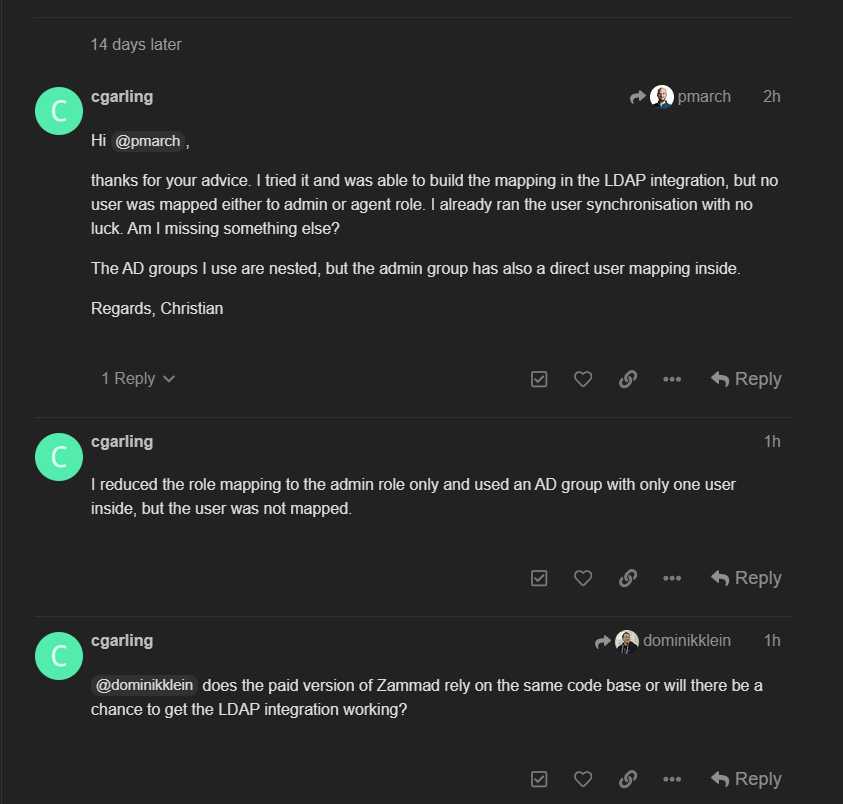
thanks for your advice. I tried it and was able to build the mapping in the LDAP integration, but no user was mapped either to admin or agent role. I already ran the user synchronisation with no luck. Am I missing something else?

The AD groups I use are nested, but the admin group has also a direct user mapping inside.

Regards, Christian

I reduced the role mapping to the admin role only and used an AD group with only one user inside, but the user was not mapped.

@dominikklein does the paid version of Zammad rely on the same code base or will there be a chance to get the LDAP integration working?

@cgarling please slow down. Bumping the same thread several times doesn’t speed up stuff. :frowning:

Technically, there is no “paid Zammad version”. What you buy is commercial grade support by the vendor (or additionally hosting the instance if we’re talking about SaaS)

As far as I know, nested groups are not supported. Perhaps a group entry already interferes with the resolution of the members.

@MrGeneration I am not bumping this thread, I just noted some new information that could help to solve the issue. Also I just asked about the other possibilities to get a working product.

This information is correct.

@cgarling okay. Please consider the edit function instead of this next time. It’s hopefully available to you.

There is no edit button, I only have these:

image

Can you make it available to me?

Sorry took me a while to find the correct combination of settings. Should be possible by default now.

I had the same problem - this fixed it for me.

I had existing working group-role mappings on my LDAP connection but couldn’t add any new ones for the new role.

This topic was automatically closed 360 days after the last reply. New replies are no longer allowed.
