You mean the multi-select object attribute field?
Yes, I am talking about the multi-select one.
Sorry, it is setup to only accept one selection so I guess it would be a one-select object attribute.
In the end, we can say that both fields are native HTML fields. In the new desktop view, this will be replaced with custom fields, which also support a search in every field. So the usage should be better.
So, currently the size cannot be changed but in the new desktop view it might be able to be changed? If so, when is the new desktop view coming out?
In the new desktop view, the complete field works differently, but the size can also not be changed. But I need to say, currently, I don’t know what you mean by “size” in this context.
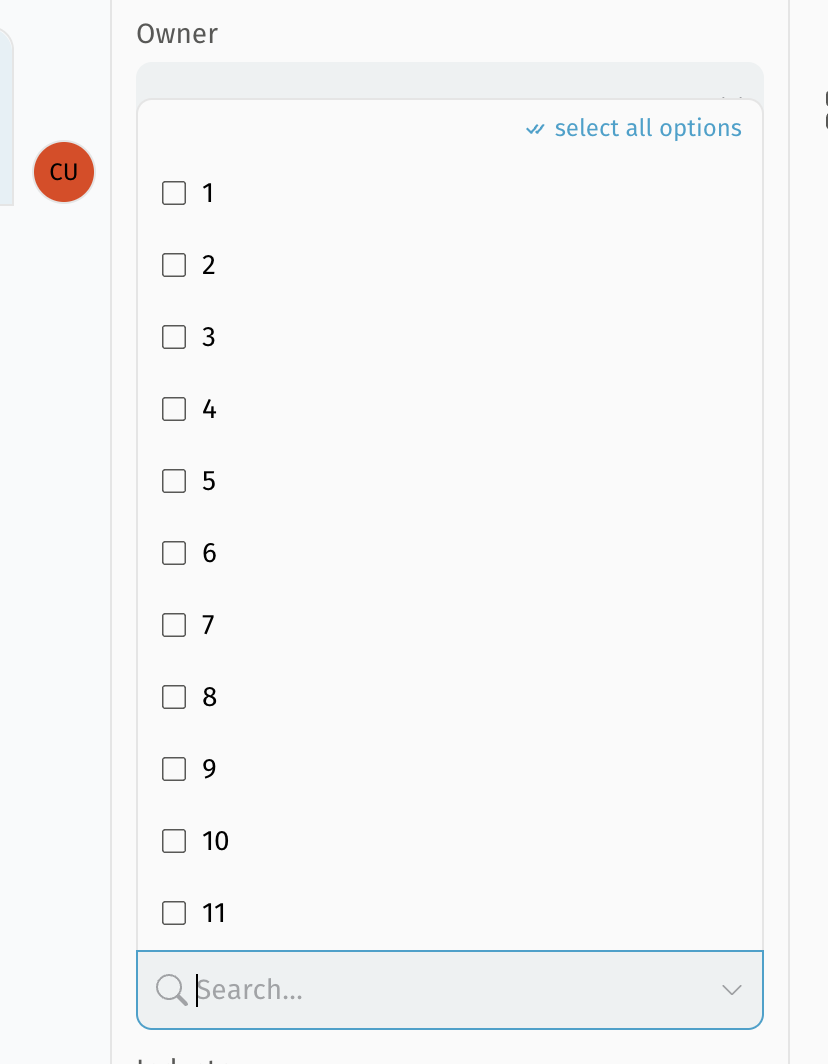
By size I mean can the field be stretched to show more options so that we do not have to scroll as much. Below is the object I am talking about. We would like to make it so that we do not have to scroll as much.
This is the multi-select field, which will no longer be the native HTML field.
So it will also be possible to search and the size is also much bigger.
When will this be coming out?