Infos:
- Used Zammad version: 7.0.1-1777384989.1f687673.noble
- Used Zammad installation type: package
- Operating system: Ubuntu 24.04.4 LTS
- Browser + version: different
We are just about to go live.
We are currently starting to build our knowledge base.
In doing so, I noticed the following:
I write some text and insert an image below it.
It doesn’t matter whether I search for the image on the file system or have cropped it using a tool and pasted it via the clipboard. The knowledge base article is then saved and published.
If I now send a note or an email and have inserted the knowledge base article via ??, the customer receives the email in both instances (once via a trigger and once via email).
If I then view the email in Outlook, for example, I see both text and image.
If I view the email in Roundcube (webmail), I only see the text. There is absolutely no indication that an image should be present there.
If I view the email on my iPhone, I only see a square with a blue question mark.
If, for example, I send an image as HTML or Rich Text from Outlook, I can see the images in all of these email clients.
Is there a setting I can change here in Zammad, or why is this happening?
It’s just really annoying when you want to send a customer a ‘paint-by-numbers’ guide with images and they can’t see them.
Addendum:
in my extracted EML file, i saw the link like that one to the picture:
https://support.outticketsyste.tld/api/v1/ticket_attachment_external/15/21/39?sky=b93c8374d6c7087617b4334f40f2f7678995a5f782352163b27b9c6563c6bc4e
if i want open it, i get such message
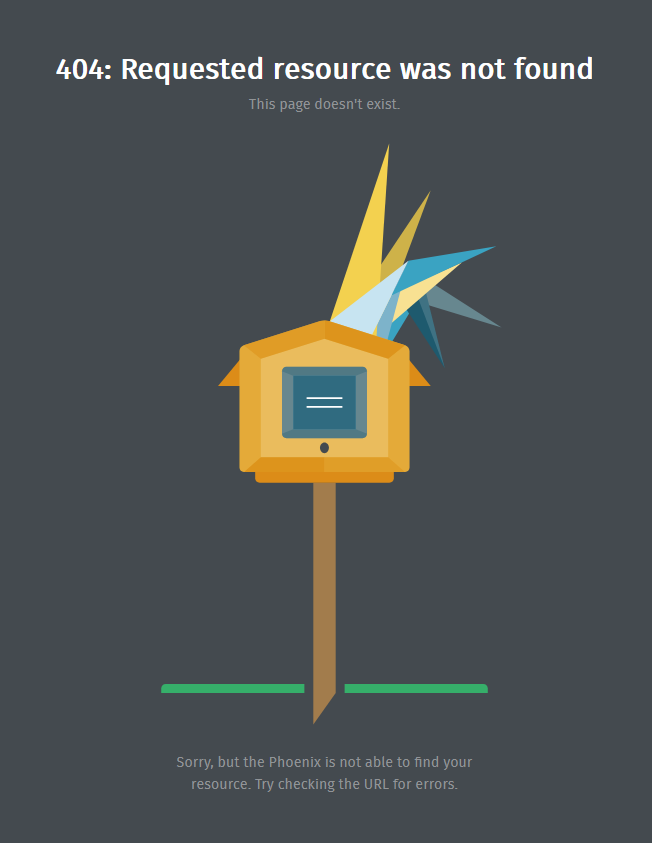
what is to do, that the picture is inline inbound?
kind regards
H-BLOGX
 ), I was able to find out the following.