- Used Zammad version: 6.5.0
- Used Zammad installation type: docker-compose
- Operating system: Ubuntu Server
- Browser + version: MSEdge Version 138.0.3351.65
Expected behavior:
Successfully import a mailbox via the Microsoft Graph API.
After logging in with credentials, the setup window (to configure groups and the email address) should appear.
Actual behavior:
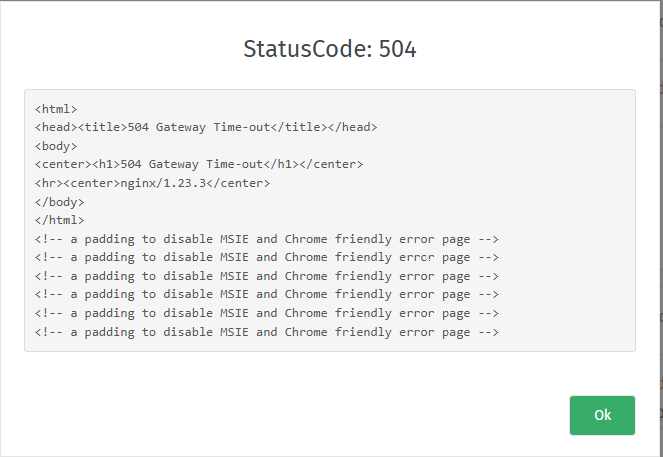
after logging in with credentials, it loads for a while and then returns a 504 Gateway Time-out.
After that the mailbox is imported as inactive, and if i click on edit (under the incoming section), it loads again until the same error appears.
Steps to reproduce the behavior:
import a fairly large mailbox (around 30GB) via graph api (microsoft exchange)
After authentication it loads for a while and then fails with a timeout error
Could we be hitting a Microsoft Graph API limit or something similar?
thanks