Azure AI API Integration Error – "Invalid request"

Infos:

  • Used Zammad version: 7.0.0-1773148656.3c95b7da.centos9
  • Used Zammad installation type: package
  • Operating system: centos9
  • Browser + version: MS Edge & Google Chrome

Expected behavior:

The Azure AI provider should be successfully connected to Zammad after entering valid API credentials (token + URL),
allowing AI-powered features (e.g., chat completions) to function.

Actual behavior:

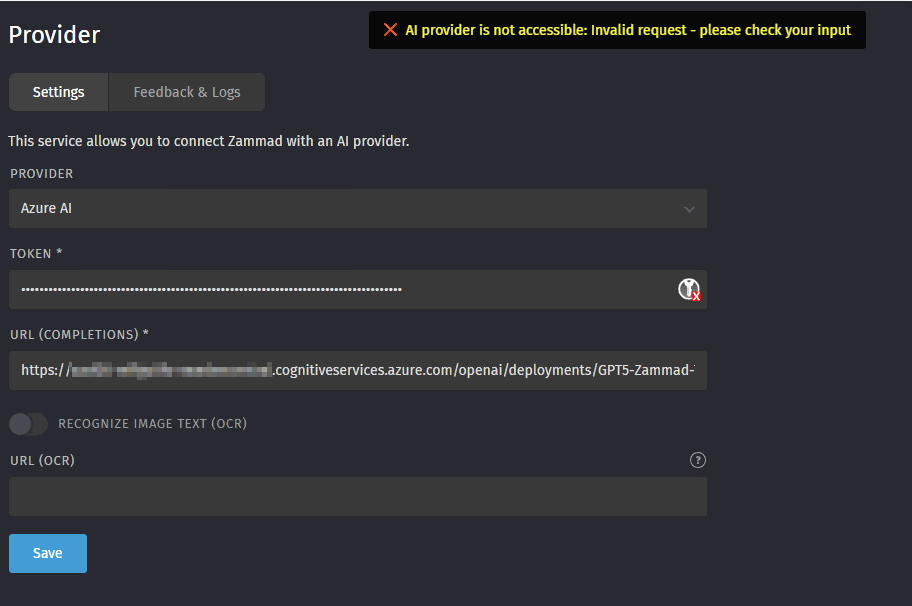
When saving the Azure AI configuration under Settings → AI → Provider, the following error appears:
“AI provider is not accessible: Invalid request – please check your input”
The configuration is not saved, and no further details are provided in the UI or logs (if checked).

Steps to reproduce the behavior:

Navigate to Settings → AI → Provider.
Select Azure AI from the dropdown.
Token: [Valid Azure AI API key, confirmed working via direct API calls]
URL (Completions): https://[region].openai.azure.com/openai/deployments/[deployment-name]/chat/completions?api-version=2023-05-15 (format matches Azure’s documentation).
URL (Completions): https://xxxxxxx-swedencentral.openai.azure.com/openai/deployments/GPT5-Zammad-Test/chat/completions?api-version=2025-03-01-preview

Leave OCR disabled (not required).
Click Save.

Error: AI provider is not accessible: Invalid request – please check your input.

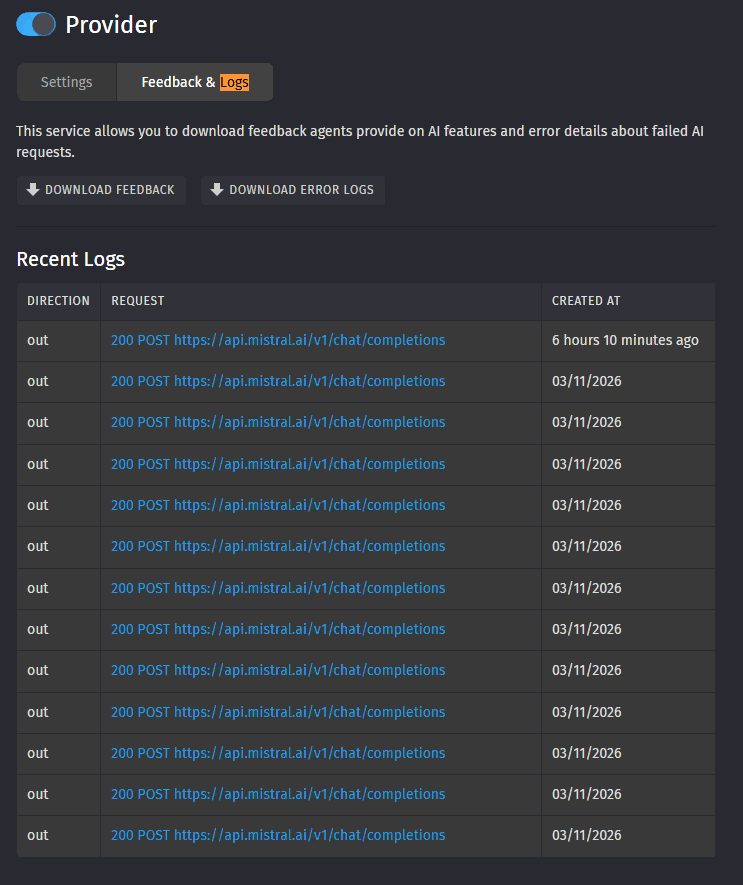
Did you check the HttpLog (Feedback & Logs tab) for additional information?

The URL does not look that bad, but maybe it’s something else. Compared to our testing, it’s a “thinking” LLM, which is used; maybe this is causing problems.

I can also try to create a later or tomorrow, some GPT-5 url, and check if it’s working.

Mistral, for example, works perfectly.
Azure AI causes problems.

I mean not AI-Error-Log. It was about the HttpLog (“Recent Logs”) which should be directly visible on this tab.

No log entrys visible for azure:

Ok, normally errors on provider configuration should also be logged. Maybe we missed something here :slight_smile:

OK, I am waiting for your feedback on how we can proceed. Thank you

Hi @awild. Do you have any logs in general available from your Zammad instance? production.log for example.

This error is contained in the log file:

I, [2026-03-31T14:51:51.900423#1032335-84192] INFO – : Parameters: {“name” => “ai_provider_config”, “state_current” => {“value” => {“provider” => “azure”, “token” => “[FILTERED]”, “url_completions” => “https://xxxxxx-swedencentral.cognitiveservices.azure.com/openai/deployments/GPT5-Zammad-Test/chat/completions?api-version=2025-01-01-preview”, “url_ocr” => “”, “ocr_active” => false}}, “id” => “284”}
E, [2026-03-31T14:51:52.482667#1032335-84192] ERROR – : Validation failed: AI provider is not accessible: Invalid request - please check your input (ActiveRecord::RecordInvalid)

We checked the Azure provider implementation and know the root cause.

I will create a bug report tomorrow.

1 Like
1 Like

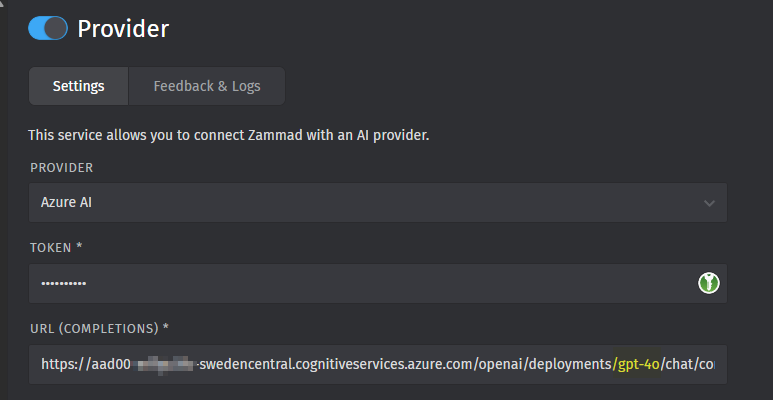
New info, it works with GPT-4o:

Yes, we know, because it has no problems with the temperature :slight_smile: We have also the fix in the pipeline, should be available during the week, let’s see how it’s going.