# List all tickets of a user
**URL:** https://community.zammad.org/t/list-all-tickets-of-a-user/15136
**Category:** Technical assistance
**Created:** [August 5, 2024, 12:55pm UTC](https://community.zammad.org/t/list-all-tickets-of-a-user/15136 "2024-08-05T12:55:36Z")
**Posts on this page:** 9
**Page:** 1
### Author:  [@hekuran](https://community.zammad.org/u/hekuran)
#### Post date: [August 5, 2024, 12:55pm UTC](https://community.zammad.org/t/list-all-tickets-of-a-user/15136/1 "2024-08-05T12:55:36Z")
### Infos:
- Used Zammad version: 6.2.0-1704877727.2bda00c4.bookworm
- Used Zammad installation type: package
- Operating system: debian
- Browser + version: any
### Expected behavior:
- list ALL tickets that a user has created
### Actual behavior:
- lists only 50 or 100, not more
### Steps to reproduce the behavior:
- go to search, enter a name, lists only 50
- if i go to the user
is there a way to list every one?
---
### Author:  [@fpardo96](https://community.zammad.org/u/fpardo96)
#### Post date: [August 5, 2024, 3:36pm UTC](https://community.zammad.org/t/list-all-tickets-of-a-user/15136/2 "2024-08-05T15:36:22Z")
Hello Hekuran,
Look at this ticket:
> [@Remove hard-coded limit of 50 results in search](https://community.zammad.org/t/remove-hard-coded-limit-of-50-results-in-search/9235):
>
> Hello, When searching for tickets belonging to a certain tag, the search results are limited to 50 results: This makes it impossible to browse further tickets when there are more than 50 belonging to a certain tag. Is it possible to configure that limit or just remove it? Thank you.
---
### Author:  [@hekuran](https://community.zammad.org/u/hekuran)
#### Post date: [August 8, 2024, 7:37am UTC](https://community.zammad.org/t/list-all-tickets-of-a-user/15136/3 "2024-08-08T07:37:33Z")
this seems like a workaround.
i dont want to do this in search, because it would impact the performance.
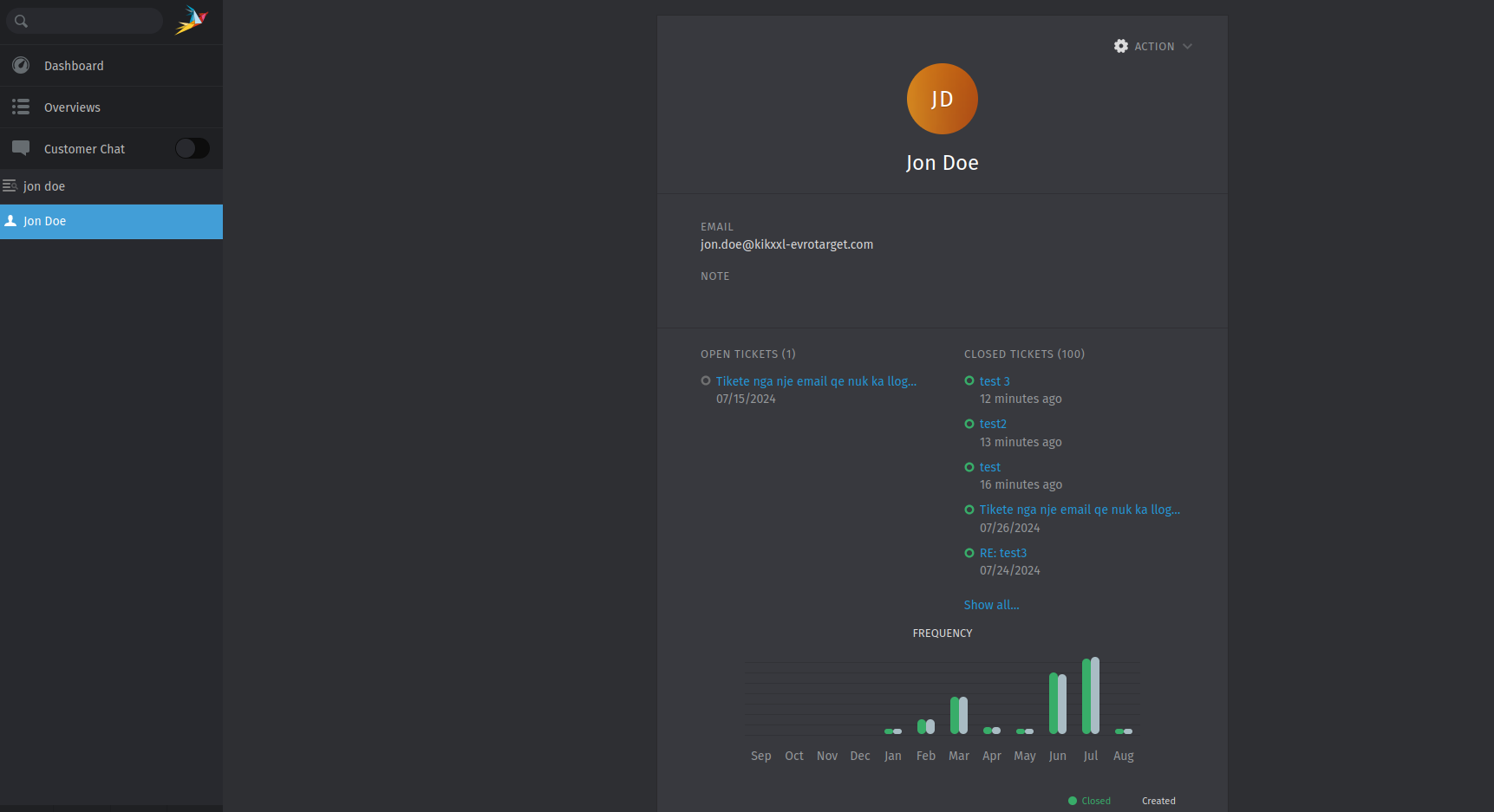
how can i do it in the “users profile”:
> [@hekuran](#):
>
> 
> [@hekuran](#):
>
> 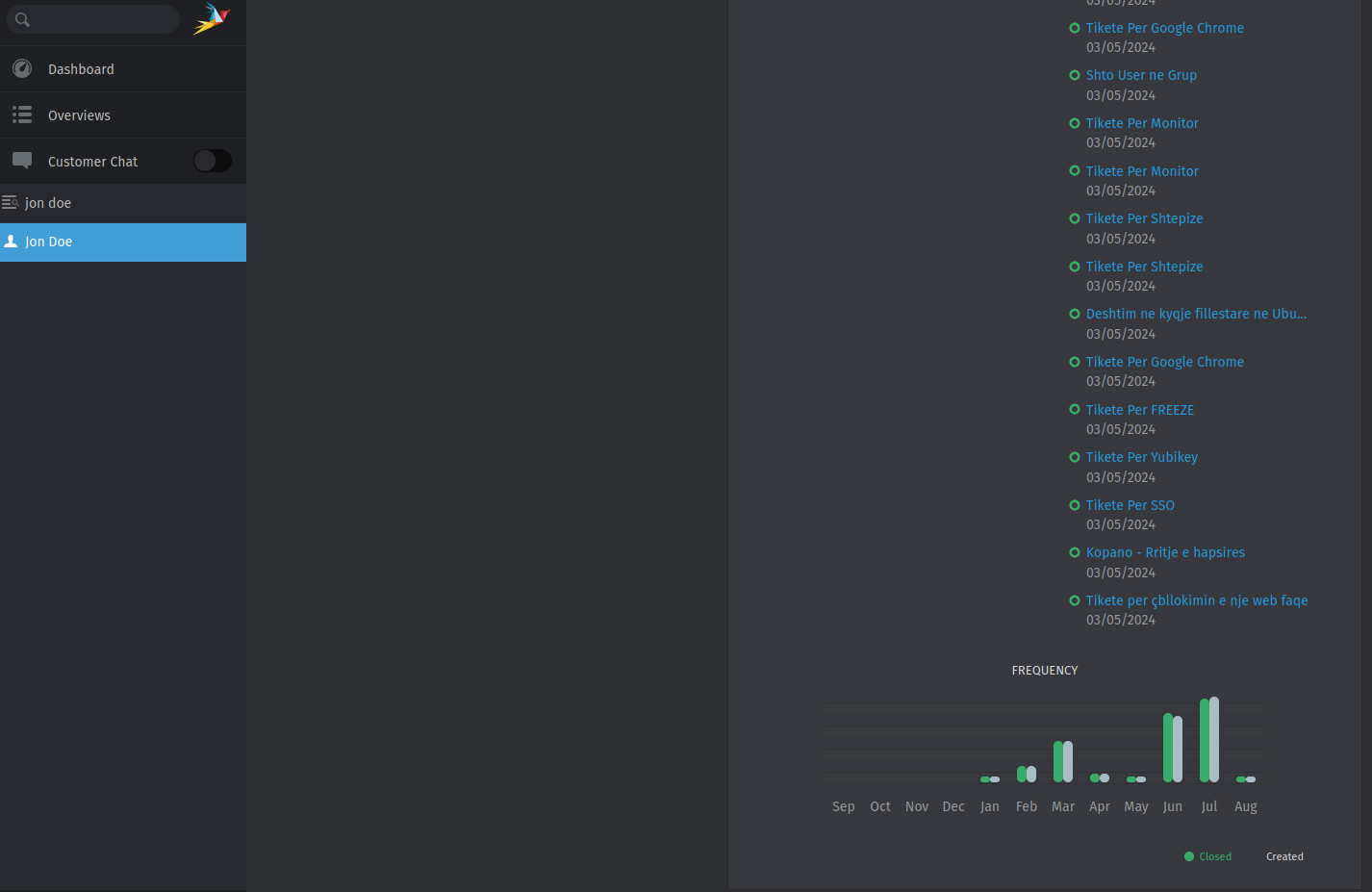
i think doing it there would make more sense. but if it cant be done, then i guess ill **have** to change the limit in _search_.
EDIT: In the meanwhile i did the suggestion, but it had no effect. i think ill have to restart some services right? or anything else?
EDIT2: i restarted the zammad service but it had no effect at all, i even restarted the vm and it had no effect at all. it just shows 50, even though i told it 200.
EDIT3: i have updated zammad to version `6.3.1-1722948970.e504ff79.bookworm` but it still shows only 50 results even though i edited the file like they suggested…
---
### Author:  [@MrGeneration](https://community.zammad.org/u/MrGeneration)
#### Post date: [August 9, 2024, 7:47am UTC](https://community.zammad.org/t/list-all-tickets-of-a-user/15136/4 "2024-08-09T07:47:38Z")
As of now Zammad is hard limited to 50 search results. Less yes, but not more. This will change in the new tech stack which is coming when it’s ready.
---
### Author:  [@hekuran](https://community.zammad.org/u/hekuran)
#### Post date: [August 9, 2024, 8:15am UTC](https://community.zammad.org/t/list-all-tickets-of-a-user/15136/5 "2024-08-09T08:15:19Z")
Well i saw a lot of github issues/PRs that editing `/opt/zammad/app/assets/javascripts/app/controllers/search.coffee` gave them 200 successfully easily…
So, you mean, as of right now that cant be achieved anymore? Its not a fix anymore?
---
### Author:  [@MrGeneration](https://community.zammad.org/u/MrGeneration)
#### Post date: [August 9, 2024, 8:37am UTC](https://community.zammad.org/t/list-all-tickets-of-a-user/15136/6 "2024-08-09T08:37:34Z")
I am not going to encourage editing source code files of Zammad, sorry.
If you’re changing files, you’ll need `zammad run rake assets:precompile` and thus node though.
---
### Author:  [@hekuran](https://community.zammad.org/u/hekuran)
#### Post date: [August 9, 2024, 9:00am UTC](https://community.zammad.org/t/list-all-tickets-of-a-user/15136/7 "2024-08-09T09:00:27Z")
ohhhhh i thought its just a config type of thing. nah i am not going to recompile it…
but trust me it is very important to see all tickets, based on our WFM department. So i really hope you guys do this, and really fast…the paging option seemed very nice and efficient…
---
### Author:  [@MrGeneration](https://community.zammad.org/u/MrGeneration)
#### Post date: [August 9, 2024, 9:05am UTC](https://community.zammad.org/t/list-all-tickets-of-a-user/15136/8 "2024-08-09T09:05:56Z")
> [@hekuran](#):
>
> So i really hope you guys do this, and really fast…the paging option seemed very nice and efficient…
Trust me, nobody is going through 2000+ search results. If they do, they have a lot of time or don’t know what they’re looking for. But that’s my opinion.
In the mean time you can use advanced search commands to boil down what you’re looking for.
[https://user-docs.zammad.org/en/latest/advanced/search.html](https://user-docs.zammad.org/en/latest/advanced/search.html)
---
### Author:  [@system](https://community.zammad.org/u/system)
#### Post date: [August 4, 2025, 9:06am UTC](https://community.zammad.org/t/list-all-tickets-of-a-user/15136/9 "2025-08-04T09:06:40Z")
This topic was automatically closed 360 days after the last reply. New replies are no longer allowed.